Remote and hybrid work aren’t trends anymore — they’re the default for millions of professionals. By 2026, a home office isn’t just a spare desk in the corner of a room. It’s a personalized productivity hub designed to support focus, health, collaboration, and digital security.
The right gear doesn’t just make your workspace look better — it directly affects how efficiently you work, how comfortable you feel after long hours, and how professionally you show up online. With rapid advancements in ergonomic design, smart technology, and AI-assisted tools, choosing the right setup can be overwhelming.
This guide walks you through the essential categories of home office equipment, explains why each matters, and suggests reliable products worth considering — whether you’re upgrading or building from scratch.
Why Your Home Office Setup Matters More Than Ever
Before diving into equipment, it’s important to understand the bigger picture. A well-designed workspace improves:
- Physical health (posture, vision, fatigue)
- Cognitive focus and productivity
- Professional communication quality
- Data protection and privacy
- Long-term motivation and job satisfaction
Think of your office gear as infrastructure. The stronger it is, the easier everything else becomes.
Ergonomic Furniture: The Core of Your Workspace
Sit–Stand Desks
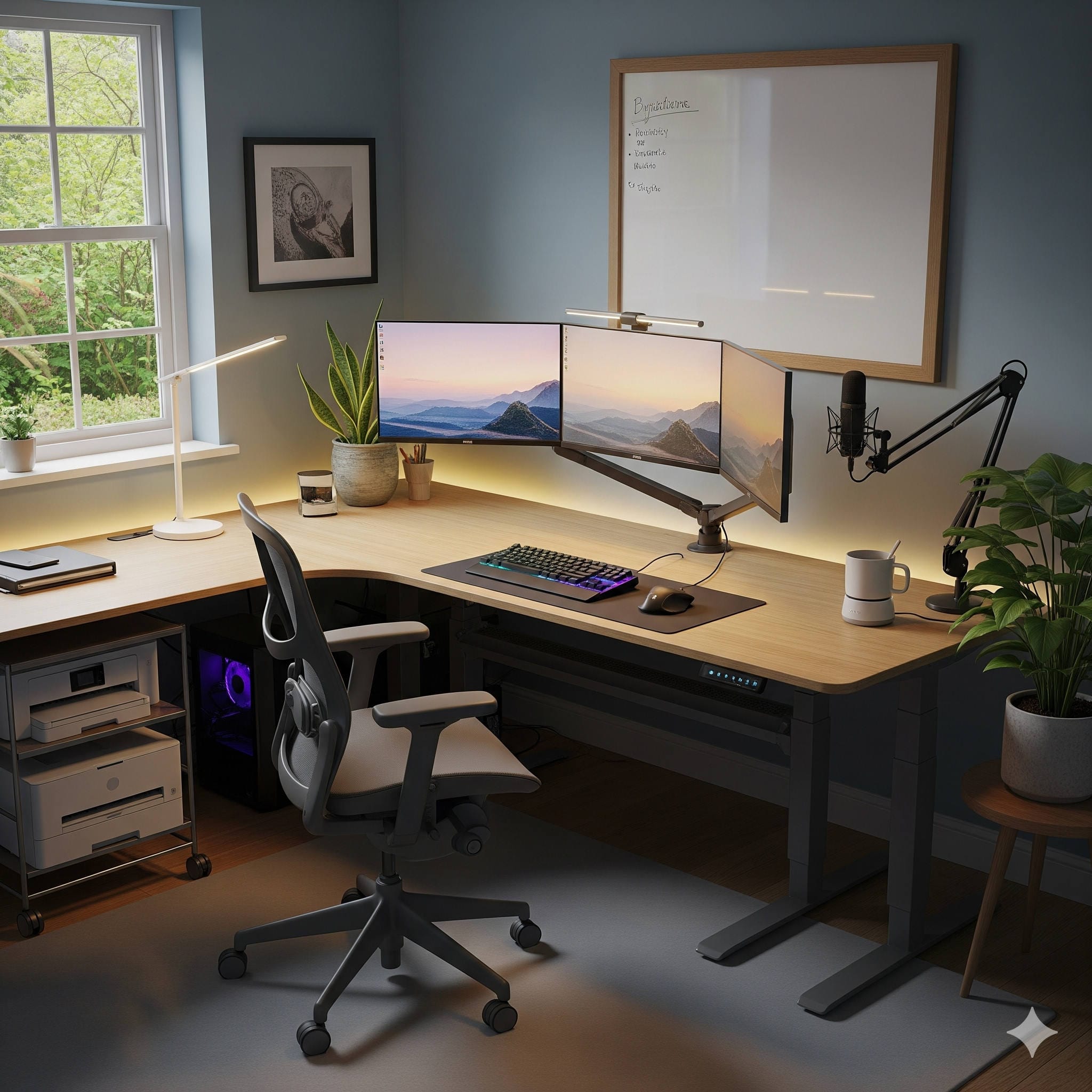
Spending hours seated can lead to stiffness, fatigue, and reduced circulation. Adjustable desks allow you to alternate between sitting and standing, keeping your body active and engaged throughout the day.
Look for desks that offer:
- Smooth height adjustment
- Stable structure
- Memory presets
- Cable management features
Recommended options
- FlexiSpot E6 Pro Plus Standing Desk — Quiet motor, strong stability, and excellent customization options
- Uplift V3 Adjustable Desk — Premium build quality with extensive accessory support
Ergonomic Chairs
A supportive chair is arguably the most important investment you’ll make. Poor seating leads to long-term discomfort, while a well-designed chair maintains spinal alignment and reduces strain.
Features to prioritize:
- Adjustable lumbar support
- Seat depth control
- Breathable material
- Adjustable armrests
Recommended options
- Herman Miller Aeron — Industry benchmark for ergonomic support
- SIHOO Doro C300 — Strong performance and adjustability at a more accessible price
Monitor Arms
These often-overlooked accessories dramatically improve desk usability. By elevating and positioning screens correctly, they reduce neck strain and free valuable workspace.
Recommended options
- Ergotron LX Desk Mount Arm — Durable and extremely flexible positioning
- Amazon Basics Premium Monitor Arm — Cost-effective alternative with solid performance
Core Technology That Powers Productivity
Multi-Monitor Displays
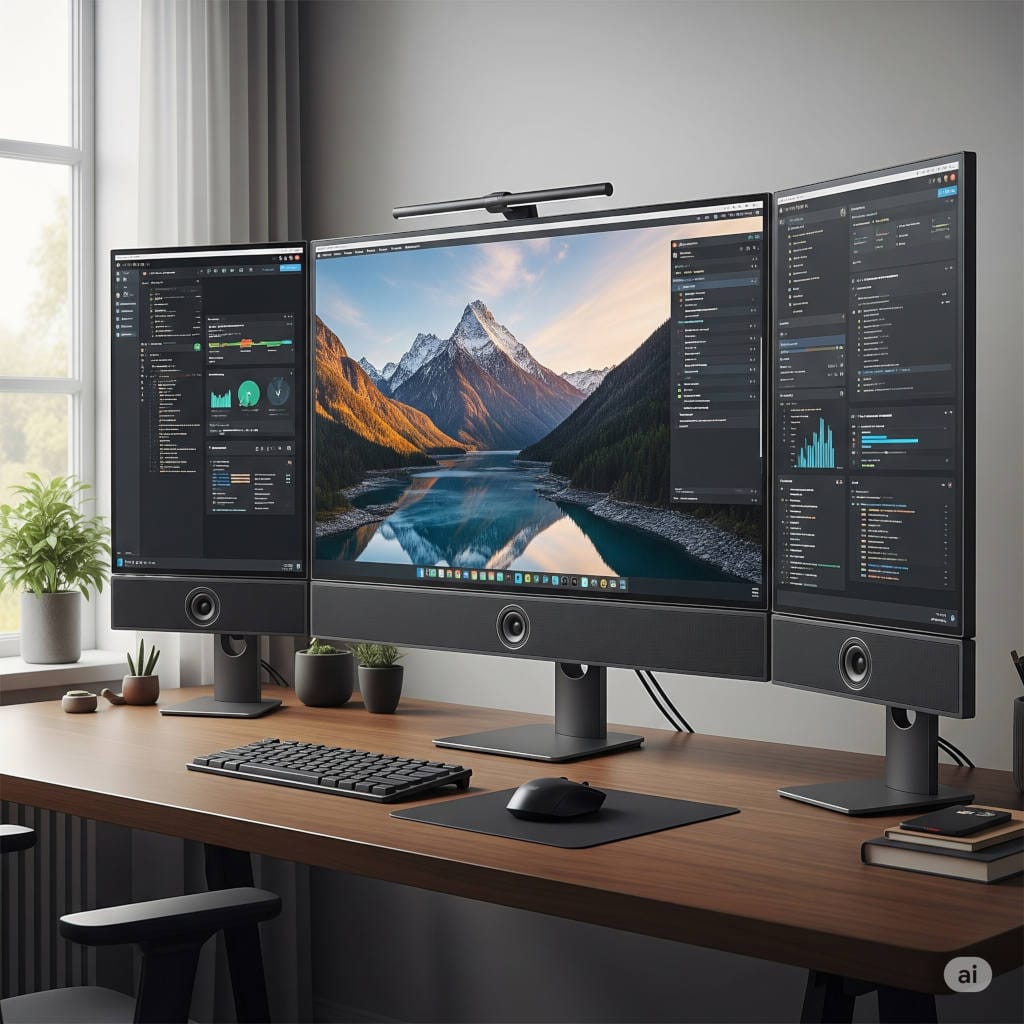
Extra screen space allows seamless multitasking — whether you’re coding, editing, researching, or managing communications. Most professionals benefit from at least one external monitor.
Recommended options
- Dell UltraSharp U2723QE — Crisp visuals and USB-C connectivity
- LG 34WN80C-B Ultrawide — Ideal for immersive multitasking layouts
Docking Stations
Docking stations simplify connectivity by turning a laptop into a full workstation with one cable. They eliminate clutter and speed up transitions between mobile and desk setups.
Recommended options
- CalDigit TS4 Thunderbolt Dock — Extensive port selection and top performance
- Anker PowerExpand 13-in-1 Dock — Reliable everyday connectivity solution
Webcam and Audio Equipment
Clear video and audio are non-negotiable for remote collaboration. Modern webcams include intelligent framing and lighting adjustments, while headsets block distractions and maintain call clarity.
Webcam recommendations
- Logitech Brio 4K — Excellent image quality and autofocus
- Insta360 Link — AI tracking and gesture control
Headset recommendations
- Sony WH-1000XM5 — Exceptional noise cancellation
- Jabra Evolve2 65 — Optimized for professional calls
Lighting and Environmental Comfort
Smart Desk Lighting
Good lighting prevents eye fatigue and keeps you alert. Adjustable smart lighting lets you shift color temperature throughout the day — cooler tones for focus, warmer tones for evening work.
Recommended options
- BenQ ScreenBar Halo — Designed specifically for monitor setups
- Philips Hue Play Light Bar — Flexible smart lighting integration
Air Quality and Climate Tools
Comfort goes beyond temperature. Clean air and stable humidity levels improve concentration and overall well-being.
Recommended options
- Levoit Core 400S Air Purifier — Quiet, effective filtration
- Dyson Pure Cool TP07 — Air purification with cooling fan functionality
Productivity Tools That Support Deep Work
Digital Note-Taking Devices
Distraction-free note-taking devices bridge the gap between paper and digital workflows. They help capture ideas without notifications pulling your attention away.
Recommended options
- reMarkable 2 Tablet — Minimalist writing experience
- Kindle Scribe — Combines reading and annotation capabilities
Smart Organization Accessories
Small upgrades can significantly enhance daily efficiency:
- Cable management systems
- Desk organizers
- Wireless charging pads
Recommended options
- Anker Wireless Charging Stand — Fast and dependable charging
- Yamazaki Desk Organizer Tray — Clean, minimalist storage solution
Security and Privacy Essentials
Working from home means protecting professional data outside corporate infrastructure. Security tools help prevent accidental exposure or equipment damage.
Privacy and Physical Protection
Recommended options
- 3M Privacy Filter for Monitors — Restricts side viewing
- Amazon Basics Cross-Cut Shredder — Secure disposal of documents
Power Backup and Surge Protection
Electrical fluctuations can damage devices or interrupt work sessions. Backup systems keep equipment safe and running.
Recommended options
- APC Back-UPS Pro — Reliable battery backup
- Belkin Surge Protection Strip — Everyday hardware protection
Designing a Space That Motivates You
Gear alone doesn’t create a great office — atmosphere matters too.
Consider:
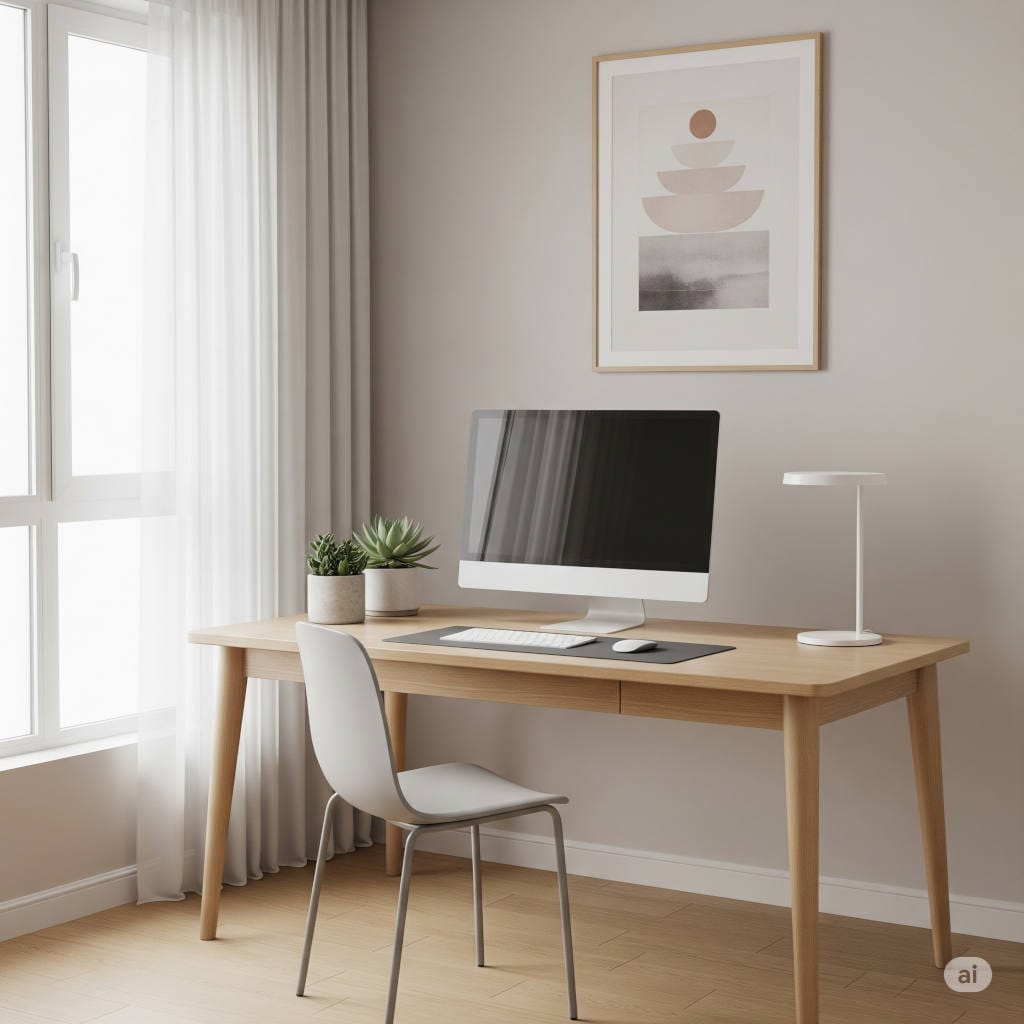
- Neutral, calming color palettes
- Indoor plants or artificial greenery
- Minimal clutter
- Personal decorative touches
A visually pleasant workspace reduces stress and makes long sessions more enjoyable. Small aesthetic adjustments can improve mindset more than expected.
How to Prioritize Your Upgrades
Not everyone needs to buy everything immediately. If you’re building gradually, follow this order:
- Chair and desk
- Monitor and docking setup
- Lighting improvements
- Audio/video equipment
- Environmental and security tools
- Productivity accessories
This sequence ensures foundational comfort and efficiency first, then refinement later.
Final Thoughts
The home office of 2026 is intelligent, ergonomic, and deeply personalized. It’s not about filling your room with gadgets — it’s about choosing tools that align with how you work and what keeps you healthy and focused.
The right combination of furniture, technology, and environmental enhancements can transform remote work from something merely functional into something genuinely enjoyable. Whether you’re a freelancer, student, entrepreneur, or corporate professional, investing thoughtfully in your workspace pays dividends every single day.
Treat your office as a system rather than a collection of objects. Build it intentionally, upgrade it gradually, and adapt it as your work evolves.