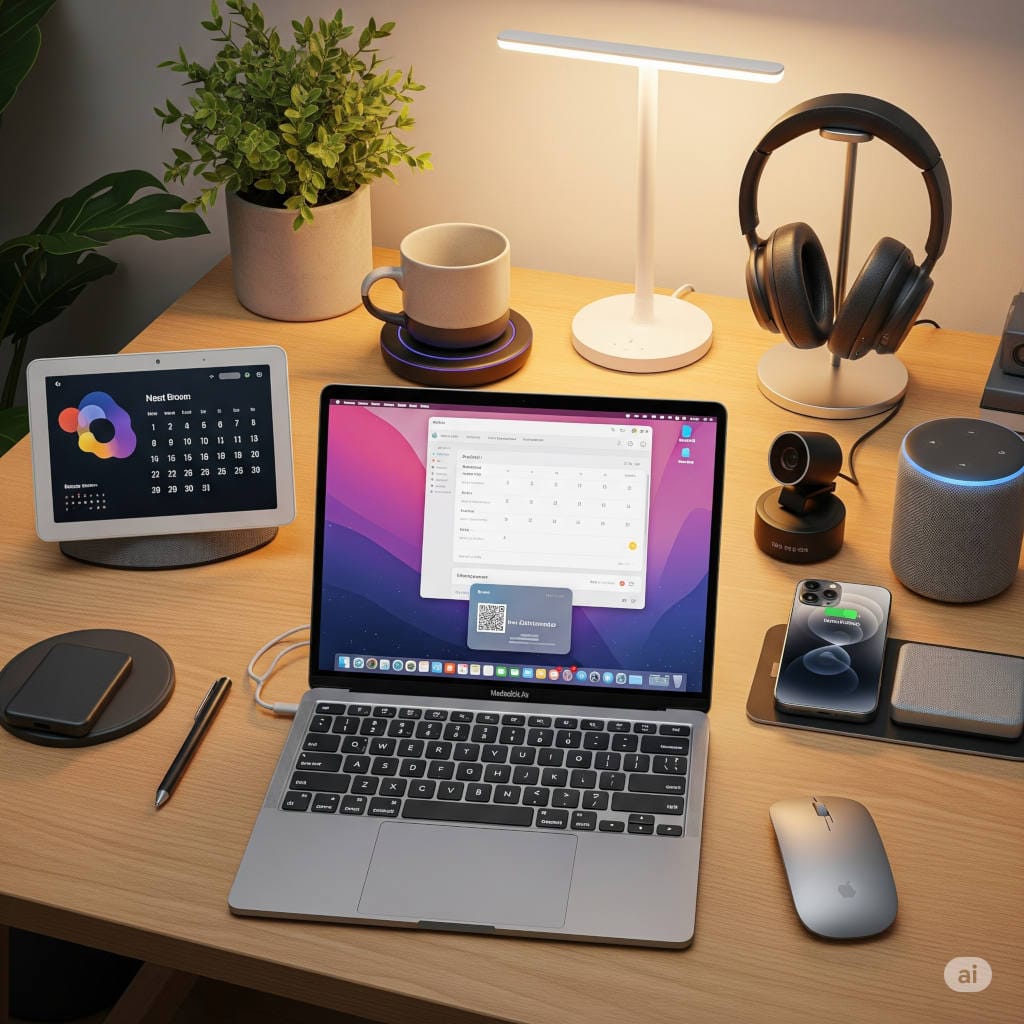
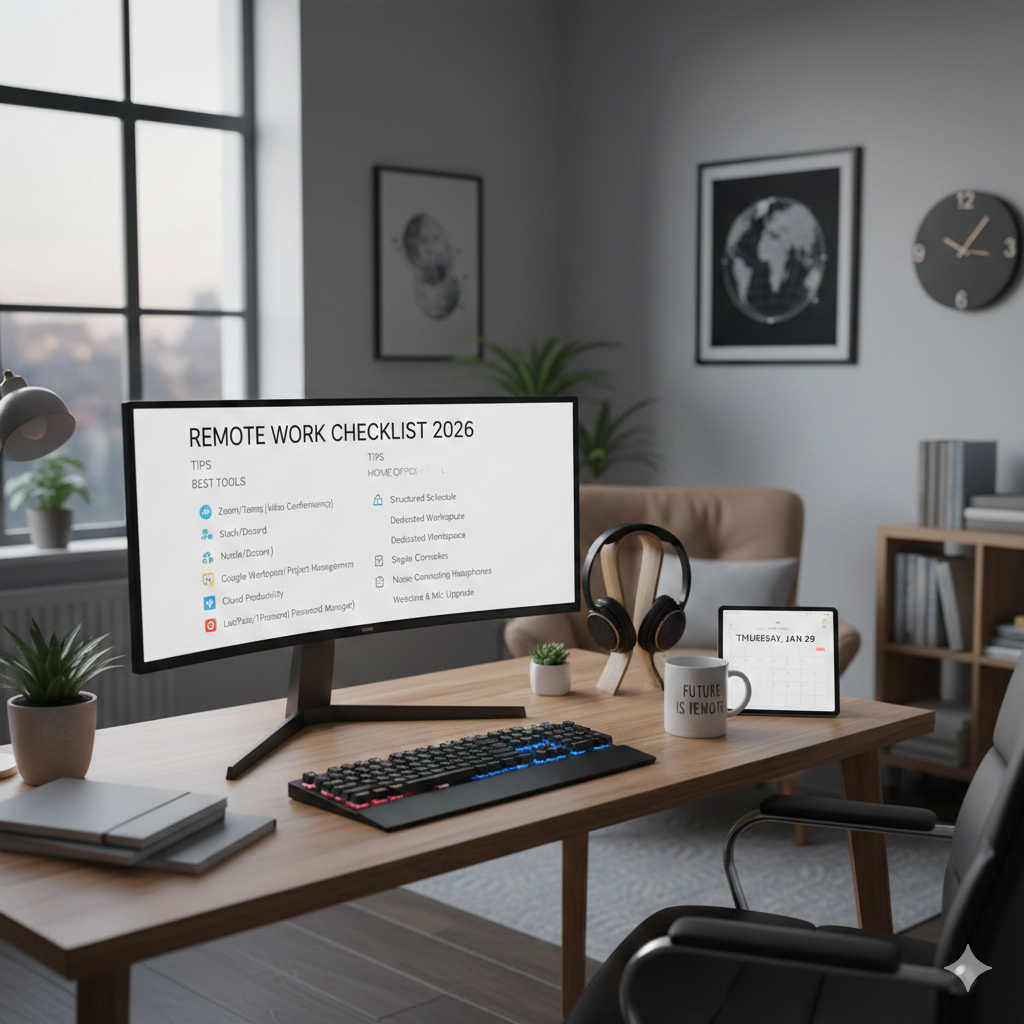
Working from home is here to stay—and your home office deserves more than just a desk and chair. The right smart gadgets can supercharge your productivity, improve comfort, and make every workday smoother. From blazing-fast Wi-Fi 7 mesh systems to AI-powered webcams, ergonomic sit-stand desks, and top-tier security tools, these 10 smart gadgets will help you work smarter, healthier, and more securely in 2026. Whether you’re a remote pro or hybrid worker, these upgrades will transform your home office into a productivity powerhouse.
Working from home used to be an occasional perk. Now, for millions of professionals, it’s the norm—whether full-time or in a hybrid schedule. That shift has made our home workspaces more important than ever.
If you think about it, your home office is no longer just a place where you check emails. It’s your meeting room, your broadcast studio, your productivity hub, and sometimes even your social lifeline to colleagues. And that means the tools you use every day can make or break your work experience.
This is where smart gadgets come in. We’re not talking about gimmicks that just look cool—we’re talking about well-designed tools that:
Make your workday smoother
Improve your communication
Protect your time and focus
Keep you healthier and more comfortable
Secure your work from digital and physical disruptions
In this guide, I’m sharing ten of the best smart gadgets for home offices in 2026—including specific brand and model recommendations—plus insider advice on how to choose the right gear for your space.
Why it matters:
Your internet connection is the backbone of your remote work. If it’s unreliable, every other upgrade becomes irrelevant. That’s why investing in a top-tier Wi-Fi system is priority number one.
Why this model:
The TP-Link Deco BE25 is one of the most accessible Wi-Fi 7 mesh systems available in 2025. It’s designed for small to medium-sized homes that want the benefits of Wi-Fi 7 without the premium price tag of ultra-high-end systems. Offering a combined speed of up to 5 Gbps, it delivers fast and stable connectivity for streaming, large file transfers, and seamless video conferencing.
Key features:
Wi-Fi 7 technology for improved speed, efficiency, and reduced latency.
Covers up to 6,500 sq. ft. with a 3-pack system.
AI-driven mesh optimizes signal paths automatically.
Easy setup with the TP-Link Deco app.
Buying advice:
Ideal for users who want a future-ready mesh network without overspending.
If you have a very large home or extremely high device density, consider TP-Link’s higher-tier BE95 system.
Why it matters:
In remote work, first impressions happen through a lens. A crisp, well-lit, well-framed video feed makes you look prepared and professional, even if you’re wearing sweatpants off-camera.
Why this model:
The Insta360 Link 2 brings AI intelligence to webcams. It can track your face, automatically reframe the shot as you move, and even respond to gesture controls for zooming in or switching modes.
Key features:
4K resolution with excellent low-light performance.
AI auto-tracking and framing.
Built-in HDR and background control.
Buying advice:
Pair this with a good key light (see next gadget) for best results.
Look for webcams with physical privacy shutters for peace of mind.
Why it matters:
Your camera is only as good as your lighting. Poor lighting makes even expensive cameras look bad, while good lighting can make a basic webcam shine.
Why this model:
The Elgato Key Light Air delivers adjustable, diffuse light that flatters your face and removes harsh shadows. It’s specifically designed for desk setups, so it won’t take over your workspace.
Key features:
Adjustable brightness and color temperature.
Controlled via an app or stream deck.
Slim design with a sturdy desk stand.
Buying advice:
Position your key light slightly above and to the side of your face for the most natural look.
Avoid mixing multiple light temperatures—it can throw off your camera’s color balance.
Why it matters:
If you’ve ever tried to take a call while your neighbor is mowing the lawn or your dog is barking, you know how important good audio is.
Why this model:
The Jabra Evolve2 65 Flex is designed for professionals who live in noisy environments. With active noise cancellation and a high-quality boom microphone, it ensures you can hear and be heard clearly.
Key features:
Foldable design for portability.
Long battery life (up to 32 hours).
Certified for Microsoft Teams and Zoom.
Buying advice:
For all-day comfort, choose headsets with memory foam ear cushions.
If you wear glasses, opt for over-ear designs with softer clamping force.
Why it matters:
Sitting all day can cause back pain, stiffness, and fatigue. A sit-stand desk lets you change positions and stay more active throughout the day.
Why this model:
The Uplift V2 is a favorite among ergonomics experts for its stability, smooth motorized adjustments, and range of customization options.
Key features:
Dual motors for quiet height changes.
Programmable memory presets.
Wide selection of desktop finishes and sizes.
Buying advice:
Measure your space and choose a desktop size that leaves room for movement.
Pair with an anti-fatigue mat for longer standing sessions.
Alternative picks:
Fully Jarvis — Similar performance, great eco-friendly desktop options.
Why it matters:
If your desk looks like a nest of cables, you need a dock. It simplifies connections and powers your devices from a single cable.
Why this model:
The CalDigit TS4 is widely considered the gold standard for Thunderbolt 4 docks. It has more ports than most people will ever need and delivers consistent, reliable performance.
Key features:
18 ports including 2.5Gb Ethernet.
Charges laptops with up to 98W power.
Supports multiple high-resolution monitors.
Buying advice:
Check your laptop’s compatibility with Thunderbolt 4 before buying.
Consider the number of external monitors you plan to use.
Why it matters:
Poor air quality can drain your energy and affect your focus. High CO₂ levels in particular can make you feel sluggish without you realizing why.
Why this model:
The Aranet4 is portable, accurate, and easy to read. It gives you real-time CO₂ levels and lets you know when it’s time to ventilate.
Key features:
Color-coded CO₂ alerts.
Measures temperature, humidity, and pressure.
Long battery life.
Buying advice:
Use it in multiple rooms to understand your home’s air quality patterns.
Combine with an air purifier if particulate levels are also an issue.
Why it matters:
Smart plugs give you control over non-smart devices, letting you automate your routine and reduce energy waste.
Why this model:
The TP-Link Kasa smart plugs are affordable, reliable, and now Matter-compatible, which means they work with virtually any smart home platform.
Key features:
Energy usage tracking.
Compact design that doesn’t block other outlets.
Schedules and timers for automation.
Buying advice:
Use smart plugs for devices you regularly forget to turn off.
Group multiple plugs in an app for one-tap control.
Why it matters:
A sudden power loss can cost you hours of work, especially if you’re in the middle of something important. A UPS keeps your devices running long enough to save your work and shut down safely.
Why this model:
The CyberPower CP1500PFCLCD offers pure sine wave output, which is safer for sensitive electronics, and enough capacity to keep essential gear running through short outages.
Key features:
LCD display for quick status checks.
Automatic voltage regulation.
Multiple outlets for your PC, router, and other devices.
Buying advice:
Prioritize connecting networking equipment so your internet stays up during outages.
Regularly test the battery to ensure it’s still holding a charge.
Why it matters:
Password leaks and phishing attacks are still the top causes of account breaches. A hardware security key adds a physical layer of protection that’s nearly impossible to bypass remotely.
Why this model:
The YubiKey 5C NFC works with both USB-C and NFC-enabled devices, making it versatile for laptops, desktops, and smartphones.
Key features:
Supports multiple authentication protocols.
Works with hundreds of apps and services.
Durable, waterproof design.
Buying advice:
Set up at least two keys (a primary and a backup) in case you lose one.
Store backup keys in a secure location like a safe.
Alternative picks:
Google Titan Security Key — Affordable and widely supported.
SoloKeys Solo V2 — Open-source hardware option.
The Five Core Areas of a Smarter Home Office
When you look at these ten gadgets together, a pattern emerges. They’re not random “cool tech” picks — they fall into five core areas that define an effective home office.
Why: Fast, uninterrupted internet and power stability are the foundation of everything you do. Without them, every Zoom call, cloud app, or file transfer falls apart.
Communication & Presence
Gadgets: Insta360 Link 2 AI Webcam, Elgato Key Light Air, Jabra Evolve2 65 Flex
Why: Remote work relies heavily on how you appear and sound. A professional-looking video feed and crystal-clear audio create trust and engagement.
Comfort & Ergonomics
Gadget: Uplift V2 Sit-Stand Desk
Why: Your health is your productivity. Smart ergonomics prevent burnout, back pain, and fatigue.
Why: Simplifying cable chaos and automating small tasks gives you more focus for deep work.
Health & Security
Gadgets: Aranet4 Air Quality Monitor, YubiKey 5C NFC
Why: Clean air sharpens your focus, and strong security protects your livelihood. Both are easy to overlook but critical long-term investments.
Taken together, these categories ensure your workspace doesn’t just function — it empowers you.
Smart Summary: Executive Takeaways
For someone who wants the 60-second version:
Internet first. Without stable Wi-Fi and backup power, every other gadget is wasted.
Professional presence pays. A smart webcam, lighting, and noise-cancelling headset instantly upgrade how others perceive you.
Ergonomics matter. A sit-stand desk isn’t just trendy — it directly impacts your energy and health.
Simplify your setup. Smart docks and plugs reduce clutter and automate routine tasks, freeing up mental space.
Don’t forget safety. Air quality and digital security often fly under the radar, but they protect your health and your livelihood.
Final Thoughts: Building a Work-From-Home Setup That Lasts
The gadgets we’ve covered aren’t just shiny toys — they’re practical upgrades that pay for themselves in daily use. A reliable mesh Wi-Fi system like the TP-Link Deco BE25 keeps your calls steady. A well-lit webcam setup makes you look polished. A sit-stand desk keeps your back pain-free. And a UPS and hardware key quietly guard you from disasters you’ll hopefully never have to face.
The truth is, working from home has blurred the lines between our personal and professional lives. The smartest investments are those that protect your time, health, and focus — the three things you can’t get back once they’re lost.
If you’re considering upgrades, don’t think of them as luxuries. Think of them as infrastructure for your career. Because in today’s world, your home office isn’t just where you work — it’s where you succeed.