Remote work is no longer an experiment—it’s the backbone of how millions of professionals and companies operate in 2026. What started as a necessity a few years ago has evolved into a refined way of working that blends technology, intentional workflows, and thoughtfully designed workspaces.
The challenge today isn’t proving whether remote work is effective—it’s learning how to do it better. How do you stay productive without burning out? What tools are worth investing in, and which ones create clutter? How do you create an environment that keeps you energized and secure?
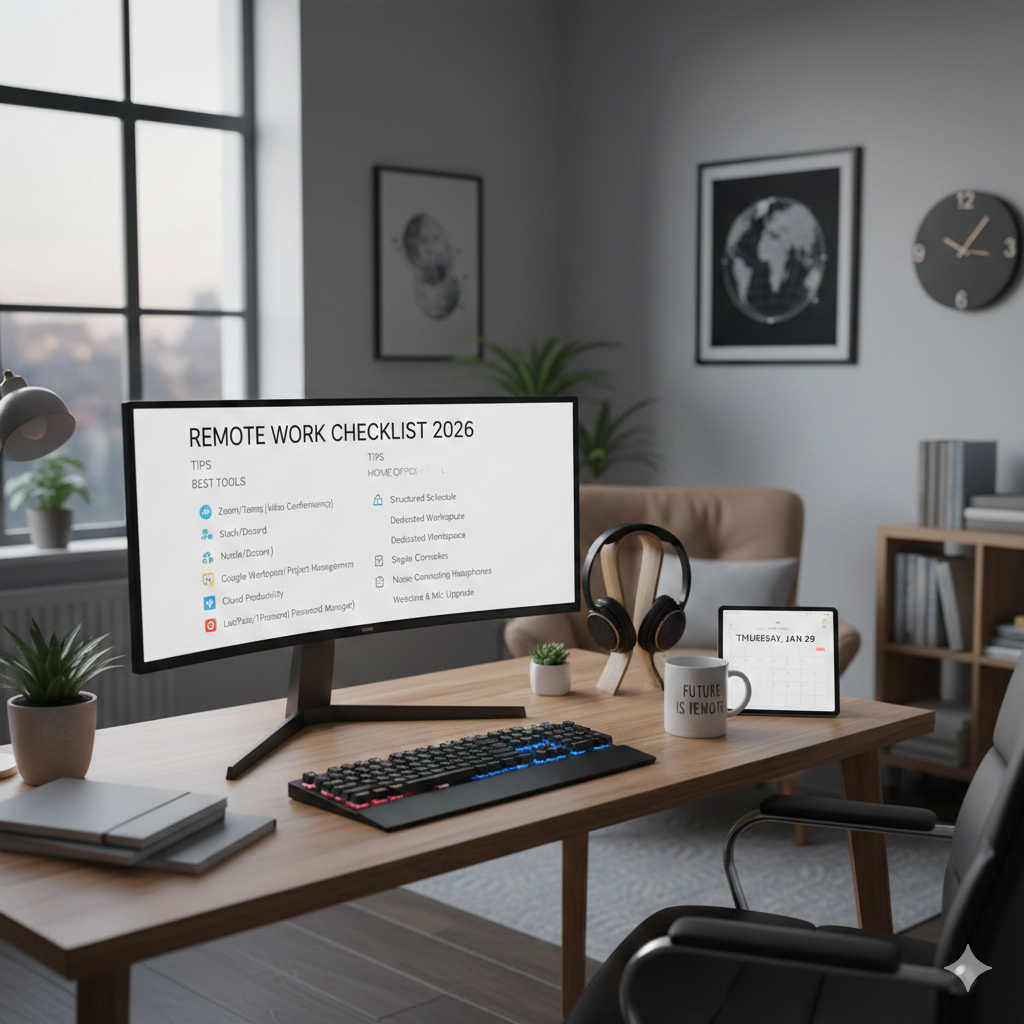
This complete remote work checklist for 2026 will guide you through everything: from choosing the right apps and protecting your data to setting up an ergonomic home office and designing workflows that save you hours every week.
The Foundation of Remote Work Success
Before diving into tools and gadgets, it’s important to understand the principles that keep remote work sustainable.
In 2026, successful remote teams are built on three pillars: asynchronous communication, strong documentation, and security by default. Instead of relying on endless meetings, teams prioritize clear written updates, searchable handbooks, and decision logs that anyone can reference. Work happens transparently, and knowledge isn’t locked in private chats.
By shifting away from “always-on” culture, teams protect focus time while still maintaining alignment. And by baking security into the system—from encrypted devices to zero-trust networks—they ensure that work remains safe no matter where people log in.
Essential Remote Work Tools in 2026
Communication Without the Overload
Modern communication is about balance. Chat platforms remain important, but smart use of statuses, channels, and quiet hours keeps noise under control. Instead of scheduling unnecessary meetings, short recorded video updates and screen walkthroughs allow teammates to catch up asynchronously.
Even email has become more manageable with AI-powered filters that automatically prioritize critical messages, reducing inbox fatigue.
Project and Task Management
Every distributed team needs a single source of truth for projects. Kanban boards combined with timeline views give visibility into both daily work and long-term goals. The best systems are simple: one shared board per team, regular updates, and automation that moves tasks forward without manual intervention.
Knowledge and Documentation
Chat messages are fleeting, but documentation lasts. Knowledge platforms in 2026 serve as living company handbooks where processes, decisions, and onboarding guides stay accessible. Every doc has an owner, and new hires can find everything they need in a single place instead of asking around.
Smarter Meetings
Meetings aren’t disappearing—they’re just getting better. Effective teams design meetings with clear agendas, assigned roles, and expected outcomes. Sessions are recorded and transcribed automatically, so even those who miss can stay in the loop. Rituals like weekly async updates, monthly strategy syncs, and quarterly retrospectives create structure without overwhelming calendars.
Automation and AI Assistance
Automation is now the quiet hero of remote work. No-code tools connect apps, update dashboards, and send summaries, eliminating repetitive tasks. AI assistants draft documents, summarize meeting transcripts, and even propose solutions during brainstorming sessions. Used wisely, they free up hours each week for deep, meaningful work.
Security and Privacy: Protecting Remote Work
A distributed workforce creates unique security challenges. In 2026, the strongest setups address identity, devices, and networks holistically.
- Identity: Multi-factor authentication with hardware keys, single sign-on, and quarterly access reviews ensure that only the right people access sensitive systems.
- Devices: Every laptop and phone is encrypted and managed through mobile device management systems that enforce updates and allow remote wipes if needed.
- Networks: Zero-trust access models replace clunky VPNs, ensuring that even if one entry point is compromised, the rest of the system remains secure.
These measures aren’t just for large enterprises—small businesses and freelancers benefit equally from having data protection and compliance built in.
Designing the Perfect Home Office Setup
Your work environment directly impacts focus and comfort. The right gear transforms remote work from frustrating to effortless.
- Computer: Most professionals thrive with 16–32 GB of RAM and a 512 GB SSD or more. Pair it with a USB-C dock for simplicity.
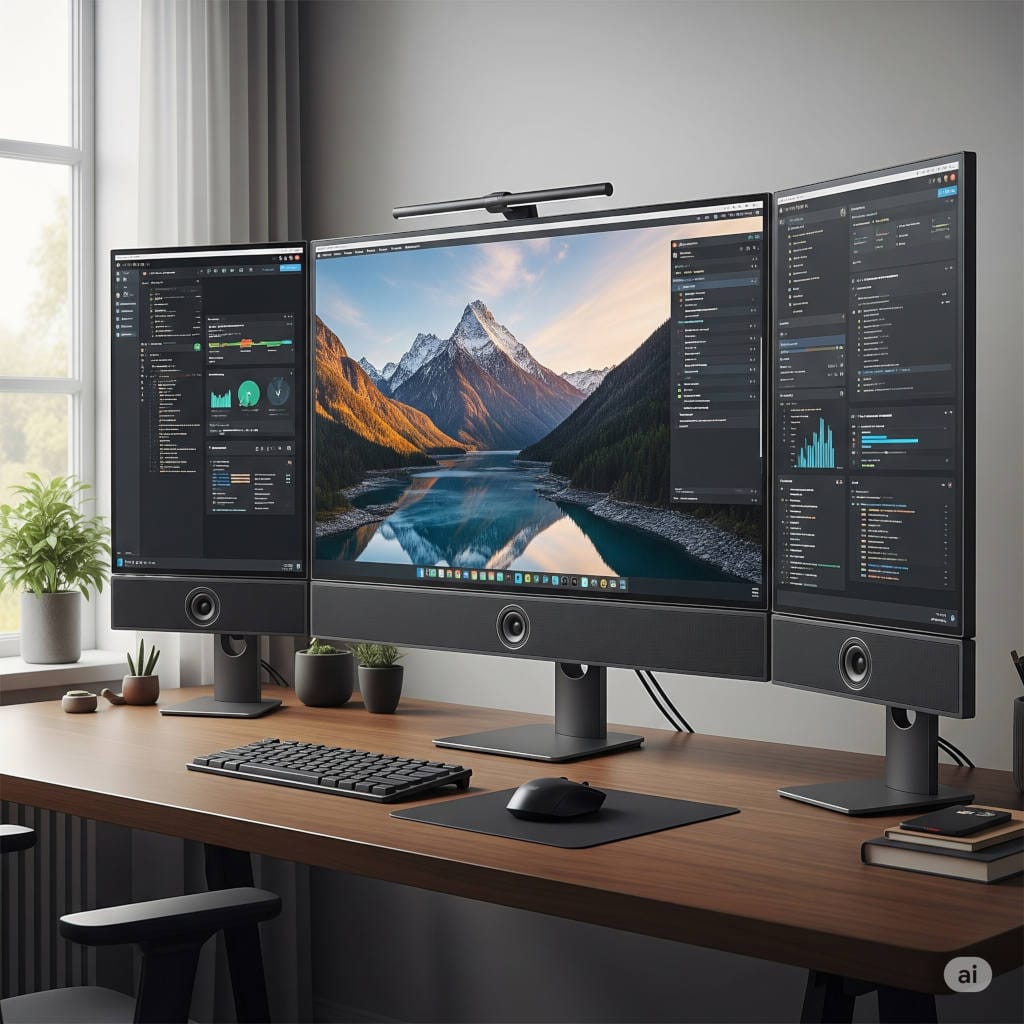
- Monitor: A 27–32-inch 4K display (or dual 24–27-inch monitors) gives you the space to multitask effectively.
- Keyboard & Mouse: Choose devices that reduce strain and fit your typing style, whether ergonomic or mechanical.
- Audio & Video: A 1080p or 4K webcam, a good USB microphone or headset, and soft front lighting dramatically improve your presence on calls.
- Ergonomics: Invest in a supportive chair and consider a sit-stand desk to alternate postures. Proper monitor height and foot placement prevent long-term discomfort.
- Connectivity: Reliable internet—ideally 200–500 Mbps down with stable upload speeds—is non-negotiable. Ethernet remains the gold standard for important calls.
These investments may seem small individually, but together they create an environment where productivity flows naturally.
Working Remotely on the Move
Remote work isn’t always confined to the home office. Whether traveling for business or simply shifting to a co-working space, a travel-friendly kit keeps you ready. A compact laptop stand, foldable keyboard, noise-canceling earbuds, and a privacy screen can transform any café into a secure and ergonomic workspace. Mobile hotspots and slim power banks provide reliability where Wi-Fi and outlets are scarce.
Remote Workflows That Actually Work
Tools and gear matter, but workflows are what make remote work sustainable.
A daily start-up ritual—checking your inbox, reviewing project boards, and identifying your top three priorities—sets the tone for the day. A shutdown ritual in the evening helps you disconnect and avoid burnout.
Weekly rhythms also matter. Many teams use Mondays for async updates, Wednesdays for deep work, and Fridays for demos and retrospectives. This balance ensures progress while keeping meetings under control.
When decisions need to be made, lightweight decision request forms (summarizing context, options, and recommendations) streamline approvals. For unexpected issues, incident playbooks with clear severity levels and roles ensure calm, structured responses.
The Role of AI in Remote Work
Artificial intelligence has become a powerful partner in remote work. In 2026, AI supports everything from drafting content and analyzing data to summarizing meetings and automating workflows. It accelerates brainstorming, cleans up repetitive tasks, and compresses hours of admin into minutes.
The key is balance: use AI for support, not replacement. Sensitive data must remain protected, and all AI outputs should be reviewed by humans. When used responsibly, AI is a multiplier that makes remote work lighter and more efficient.
Staying Healthy and Balanced While Remote
Remote work often blurs the line between professional and personal life. Protecting your health and boundaries is essential.
The best remote workers focus on energy management, not just time management. They schedule demanding work during peak hours, build in micro-breaks to stretch or walk, and practice rituals that signal the end of the workday.
Boundaries matter, too. Hard stops in the evening, device separation between work and personal life, and intentional offline time protect mental health. Small physical habits—hydration, healthy snacks, and the 20-20-20 eye-care rule—add up to long-term resilience.
Leading Remote Teams in 2026
For leaders, managing remote teams is less about monitoring hours and more about guiding outcomes. Setting clear, measurable goals and modeling good practices—like structured updates and meeting discipline—creates a culture of trust.
Leaders focus on improving systems rather than individuals, removing bottlenecks in workflows, and ensuring onboarding is smooth. They also create intentional moments for human connection, from virtual coffee chats to optional meetups, to build a sense of belonging without forcing interaction.
Conclusion: Building Your Remote Work System
Remote work in 2026 isn’t about juggling dozens of apps or investing in every gadget under the sun. It’s about creating a system where communication is clear, tools are reliable, security is baked in, and your environment supports your focus and well-being.
Start small. Upgrade your microphone, set up a daily ritual, or document one recurring process. Each improvement compounds over time, building a setup where remote work feels natural, not forced.
With the right tools, habits, and mindset, remote work becomes more than just a way of working—it becomes a lifestyle that supports productivity, creativity, and balance.