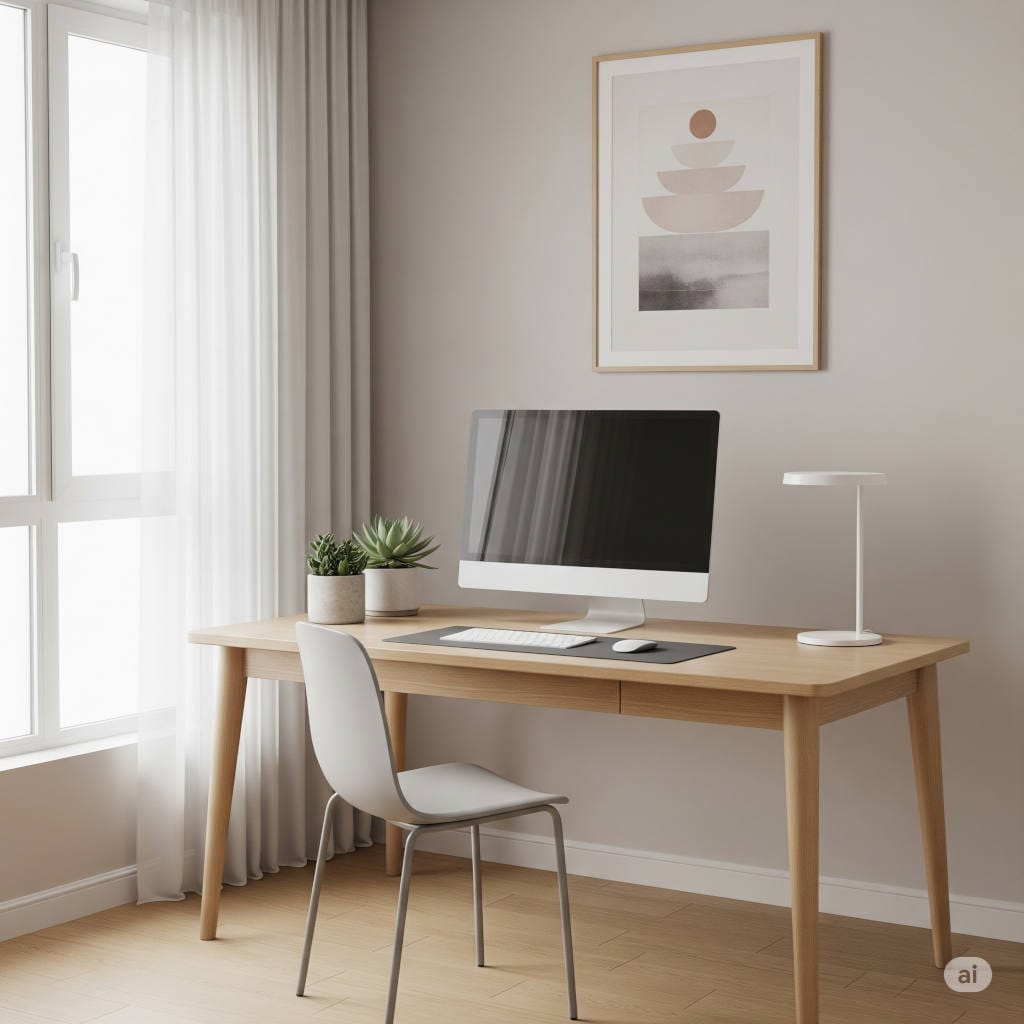
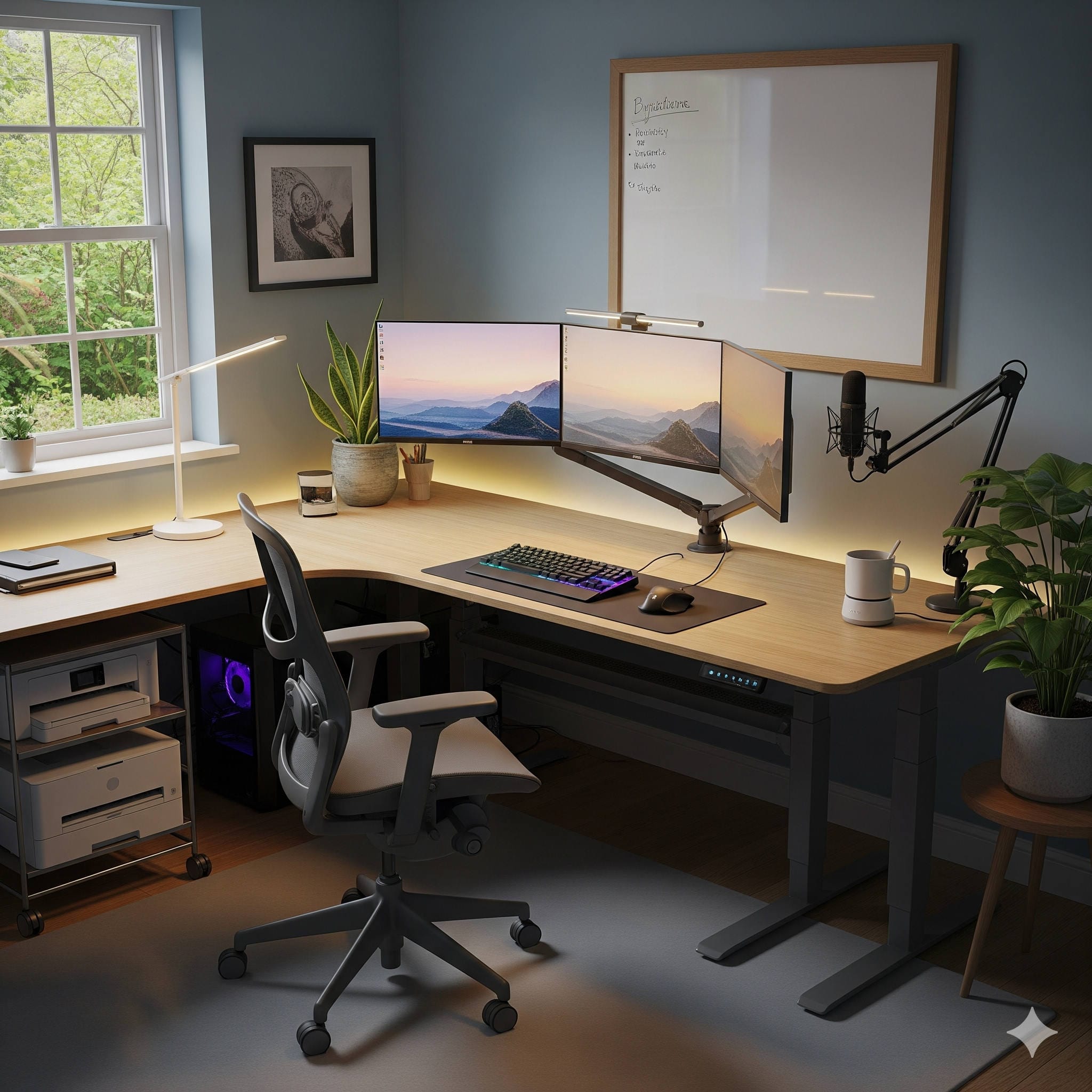
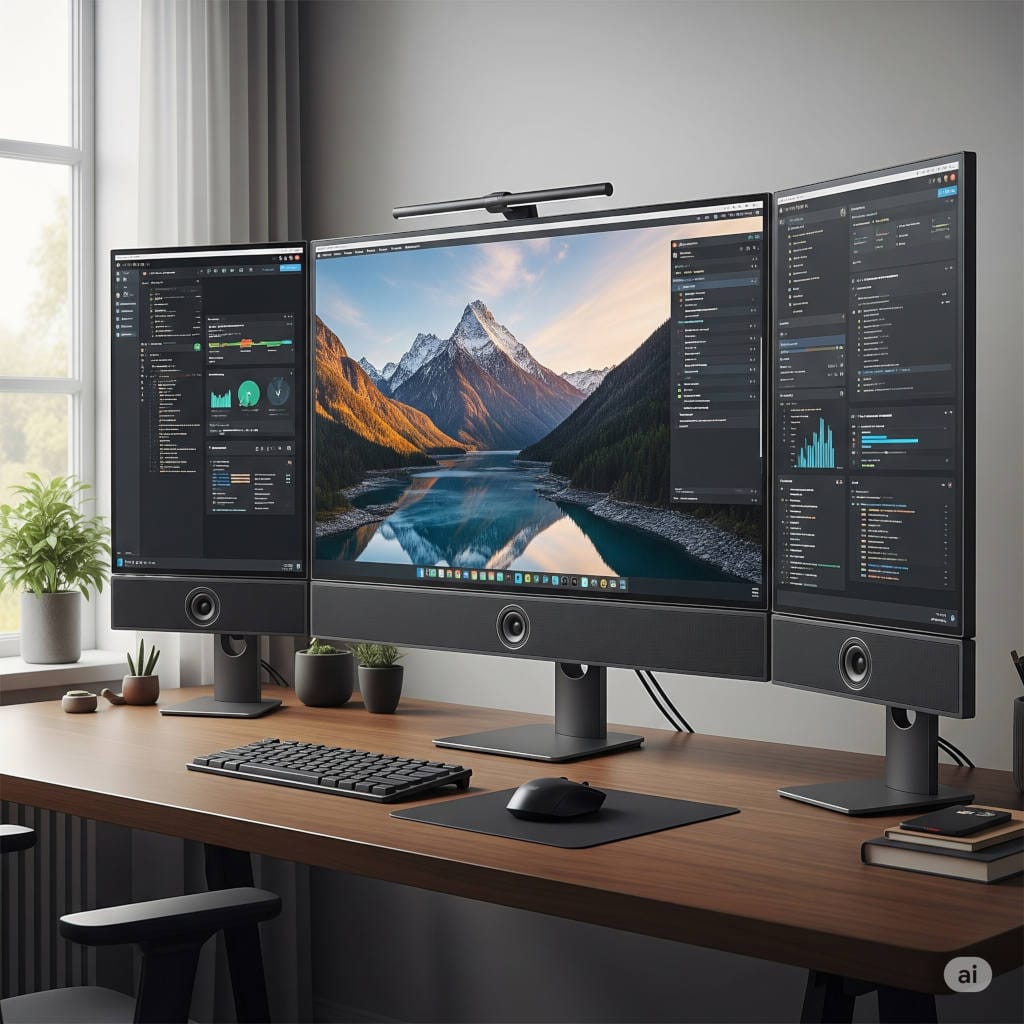
Minimalism has evolved far beyond being just a design trend. In 2026, it’s become a way of working, living, and even thinking. When it comes to your home office, a minimalist approach doesn’t mean stripping everything away until you’re left with a cold, sterile desk. Instead, it means designing a space that is calm, clutter-free, and intentionally built to support your work and well-being.
A minimalist home office helps you focus, reduces decision fatigue, and makes your daily workflow smoother. It’s not about owning less for the sake of less — it’s about making sure everything in your workspace has a purpose. If it doesn’t help you work better, it doesn’t belong there.
In this guide, I’ll walk you through everything you need to know to create a minimalist home office in 2026 — from planning your layout and choosing the right furniture to tackling lighting, acoustics, cables, and even long-term maintenance. By the end, you’ll have a step-by-step framework for building an office that is simple, modern, and future-proof.
Before you buy furniture or pick out a monitor, take 10 minutes to write down:
What you actually do in this space
Do you write? Code? Design? Record videos? Teach online classes?
Each task has slightly different requirements. A designer may need a large screen; a writer may need better ergonomics for long typing sessions.
The constraints of your room
Are you in a small apartment corner, or do you have a dedicated office?
Do you share the room with someone else?
What’s your budget ceiling?
Minimalism thrives when you align your tools with your real needs. For example: if you only use one screen, why force a dual-monitor setup? If you do frequent calls, maybe you need a microphone arm — but if you rarely speak on camera, you can skip it.
👉 Pro tip: For every item you consider, ask: Does this improve my workflow in at least three ways? If you can’t name three, it’s probably unnecessary.
Step 2: Plan the Layout
Minimalist offices work best when every corner of the space has a job. Even in a tiny room, try to carve out “zones.”
Focus zone (main desk): This is where the bulk of your work happens.
Stretch or standing zone: A spot where you can stand, stretch, or use a standing desk.
Call zone: If you’re on video often, set up a neutral background. A window in front of you is great for lighting; behind you, not so much.
Storage zone: Closed storage where things disappear when not in use.
Desk placement tips:
Facing the wall = fewer distractions.
Facing the window = natural light, but use blinds to avoid glare.
Side-on to the window = balanced light, good for video calls.
If you’re short on space, a 120–140 cm desk is usually enough for a laptop, monitor, keyboard, and mouse. Larger L-shaped desks look nice but can encourage clutter.
Step 3: The Desk — Your Work Platform
A desk is not just a flat surface. It’s the anchor of your minimalist office. The right one creates flow; the wrong one becomes a dumping ground.
Ideal dimensions:
Width: 120–160 cm
Depth: 60–75 cm (wider if you’re tall or use multiple monitors)
Height: 70–76 cm for sitting; 95–120 cm for standing setups
Features worth having:
A solid top (no wobble when typing).
Rounded edges for wrist comfort.
A cable cutout or grommet for neat wires.
A matte finish that hides fingerprints.
Should you go standing?
Standing desks are popular, but they’re not essential for everyone. If you sit long hours, alternating between sitting and standing can improve circulation. Look for quiet motors, strong stability, and memory presets so you’re not fiddling with height every time.
👉 Quick hack: If you don’t want a full standing desk, buy a desk converter that sits on top of your regular desk. It lifts your monitor and keyboard when you want to stand, then folds away when you don’t.
Step 4: The Chair — Comfort is Minimalism
Nothing ruins focus like back pain. A minimalist home office is not about the cheapest chair — it’s about the most supportive.
Non-negotiable features:
Height adjustable so your feet rest flat.
Lumbar support to follow your lower back curve.
Armrests that move up/down (and ideally in/out).
Adjustable seat depth (knees 2–3 fingers away from edge).
Recline function for micro-breaks.
Think of your chair as an investment in your spine. A good one will last 7–10 years, and the daily comfort is worth every cent.
Step 5: Ergonomic Accessories
To really feel the minimalist benefit, get ergonomics right:
Keyboard & Mouse: Place at elbow height. Wrists should stay neutral, not bent up. Consider a low-profile or split keyboard if you type all day.
Monitor height: Top of the screen should be at or slightly below eye level.
Monitor distance: Arm’s length away.
Laptop use: Always raise it on a stand and connect external input devices.
👉 Pro tip: If you have a monitor arm, you can reclaim desk space and adjust angles freely — a big win in small rooms.
Step 6: Lighting That Works for You
Lighting is one of the biggest productivity boosters. Poor lighting causes eye strain, headaches, and even poor sleep.
The 3 layers of lighting:
Ambient light — your room’s general light (overhead or wall).
Task light — a focused desk lamp for reading/writing.
Video light — a small, dimmable lamp or ring light for calls.
Color temperature:
Daytime work: 4000–5000K (cool white for focus).
Evening work: 2700–3500K (warmer light to wind down).
If you’re recording video or taking calls, place your main light in front or slightly to the side of you — never behind. Backlighting makes you look like a silhouette.
Step 7: Sound and Acoustics
Noise is clutter you can’t see. A minimalist office should sound as calm as it looks.
Ways to reduce echo:
A rug or carpet (absorbs sound).
Curtains or blinds on windows.
A bookcase or storage cabinet.
Acoustic panels (just a few, placed strategically).
For calls:
A USB microphone on a boom arm gives you clear sound.
Closed-back headphones keep noise out without bleeding into the mic.
Use built-in noise suppression in Zoom, Teams, or Google Meet.
If your neighbors are loud, white noise machines can help mask distractions.
Step 8: Cable Management
Nothing breaks a minimalist vibe faster than spaghetti wires. The good news? Once you tame cables, you rarely have to touch them again.
Cable management system:
Mount a power strip under your desk.
Use cable trays or raceways to guide wires along the back.
Shorten extra length with Velcro ties (avoid zip ties, they’re permanent).
Label both ends — future you will thank you.
If you use a laptop, a docking station allows everything to stay plugged in; you connect with just one cable.
👉 Pro tip: Keep just one spare outlet free at your desk for quick charging (phone, camera, etc.).
Step 9: Choose the Right Tech
In 2025, it’s easy to drown in gadgets. Minimalism means choosing fewer devices but ensuring each one is reliable.
Core setup:
Laptop + dock: Flexible, portable, and neat.
Mini PC: Compact if you don’t need portability.
All-in-one computer: Cleanest look, but harder to upgrade.
Monitors:
One 27–32” 4K monitor covers most workflows.
Designers or coders may prefer an ultrawide (34”) for multitasking.
Audio:
If you’re on calls daily: USB mic + headphones.
If you’re rarely on calls: your laptop’s built-in mic (2025 models are better than ever) may suffice.
Connectivity:
A USB-C dock for one-cable simplicity.
A Wi-Fi 6/7 router for speed.
Ethernet cable if your job depends on stable streaming or teaching.
Step 10: Keep Accessories Minimal
Every accessory should earn its place. Ask: Does this solve a real problem?
Desk mat (defines workspace, protects desk).
One pen cup + 2 pens.
One notebook.
Coaster or water bottle.
One small plant (freshness without crowding).
Avoid multiple gadgets that overlap. One good headset beats three mediocre ones. One storage drawer beats a dozen baskets.
Step 11: Storage — Out of Sight, Out of Mind
The heart of a minimalist office is closed storage. Clutter-free surfaces keep your brain clear.
Use a small drawer unit for cables and supplies.
Keep a single file box for important paper documents.
Digitize and shred the rest.
Use vertical organizers if you need to keep papers temporarily.
👉 Quarterly purge ritual: Every 3 months, open every drawer and ask: Did I use this? Will I need it soon? If not, donate, recycle, or trash.
Step 12: Color and Design
Minimalism doesn’t mean “all white everything.” It’s about cohesion.
Choose 2–3 neutral base colors (white, gray, beige, oak).
Add one calming accent (green, blue, or muted terracotta).
Afternoon: Set up storage unit → Tidy cables → Add one plant/art piece.
Evening: Do a short work session → Adjust ergonomics → Finalize rituals.
By evening, you’ll have a functioning minimalist office.
The Minimalist Home Office Checklist (2026)
Solid, depth-appropriate desk with cable tray.
Ergonomic chair with lumbar support.
One quality monitor or laptop on stand.
External keyboard and mouse.
Layered lighting system.
Good audio setup (mic + headphones).
Docking station for one-cable use.
Cable management under desk.
Closed storage (drawers, file box).
Simple daily/weekly rituals.
Final Thoughts
A minimalist home office in 2026 isn’t just about sleek furniture or empty desks. It’s about intentional design that keeps your focus where it should be — on your work, not your clutter. By combining smart ergonomics, functional lighting, quiet acoustics, and sustainable habits, you can create a space that is calm, productive, and supportive of your goals.
Minimalism isn’t about denying yourself tools or comfort. It’s about building a system where every item has a purpose and nothing gets in your way. When you step into your office, your brain should shift instantly into focus mode. When you step out, your space should reset easily.
That’s the real power of a minimalist home office: less noise, more flow, and a workspace that truly works for you.