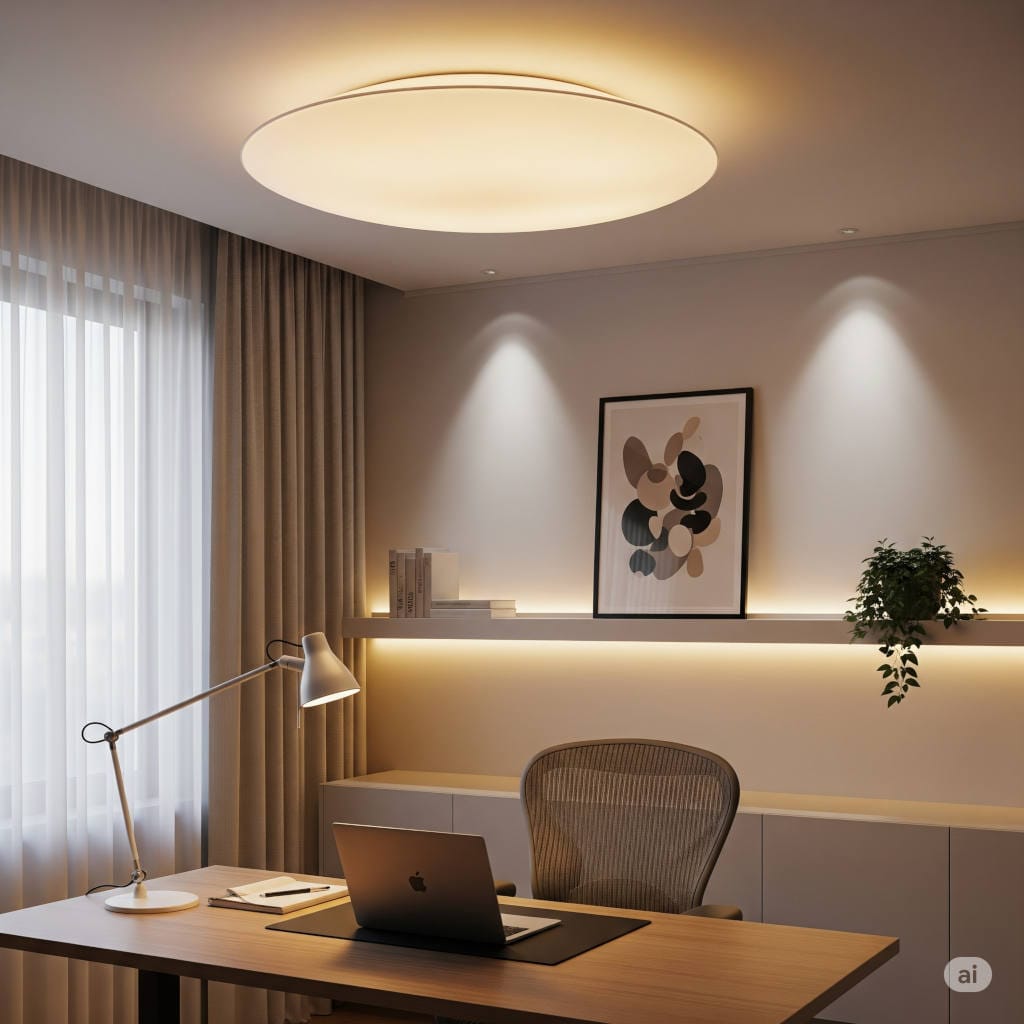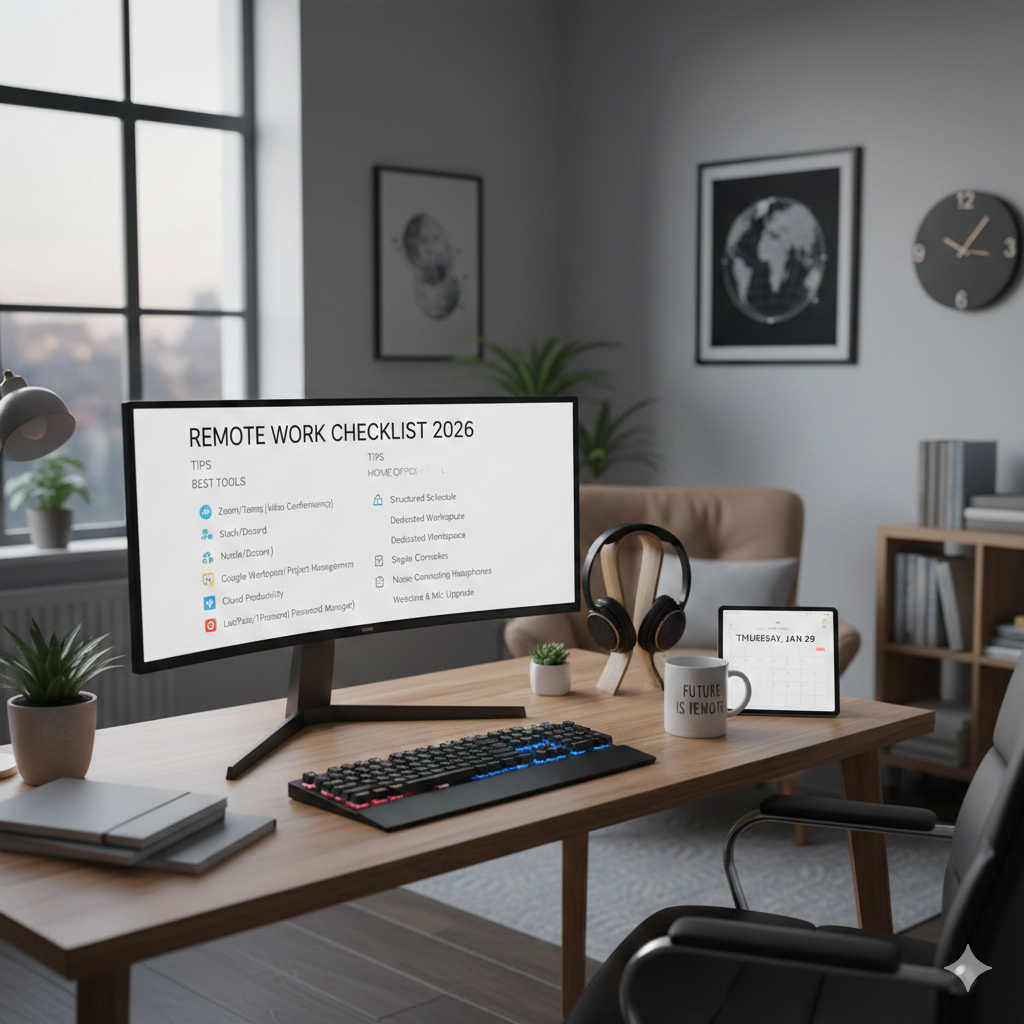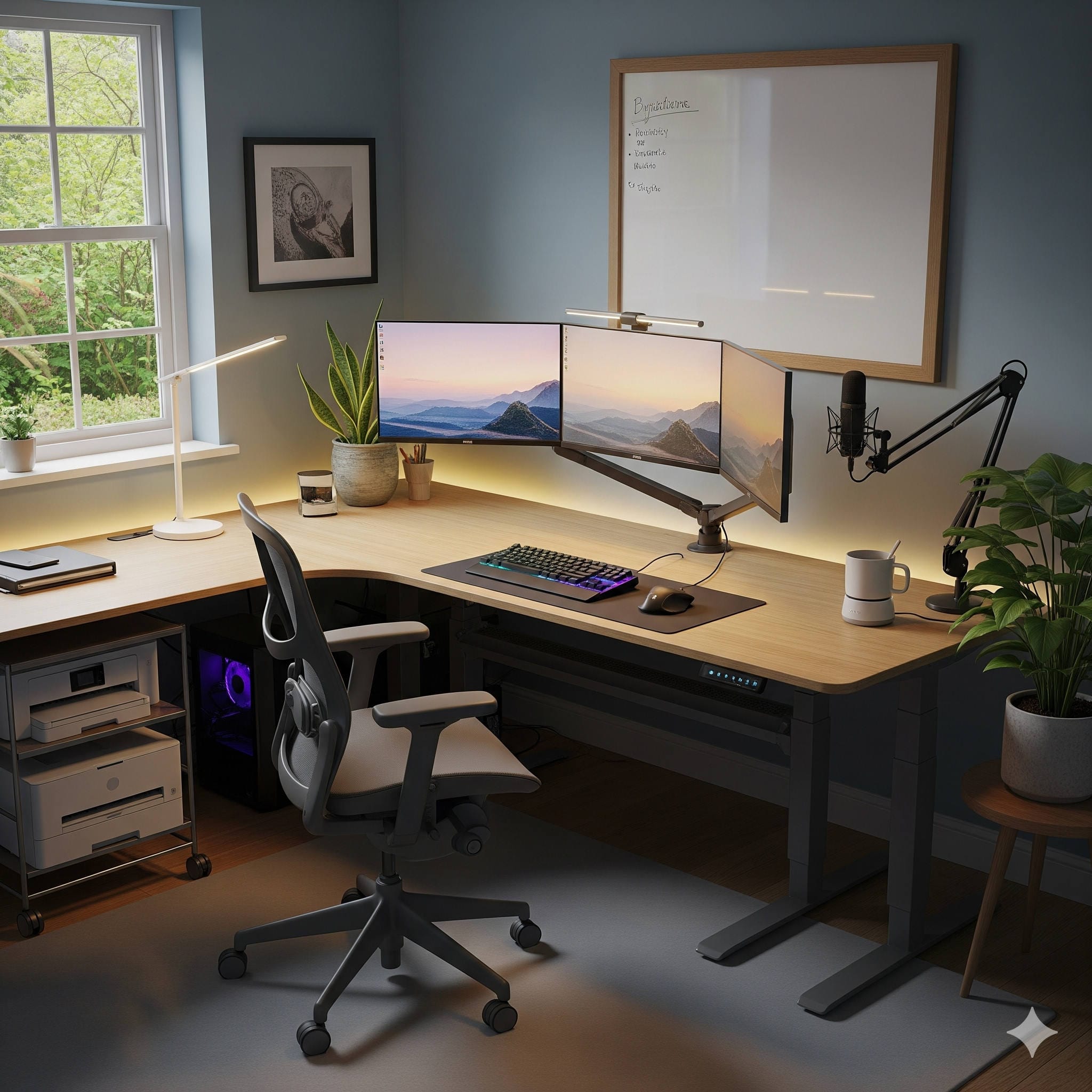
Working from home has become more than just a temporary solution—it’s a lifestyle shift. For freelancers, remote employees, and entrepreneurs alike, the home office is now a central hub where focus, creativity, and productivity intersect. But creating a functional, comfortable workspace often feels like it requires deep pockets. That’s not true. You can dramatically improve your home office environment with thoughtful upgrades under $100.
This guide takes you through practical, affordable changes that boost comfort, organization, and efficiency without stretching your budget. From ergonomic essentials and lighting solutions to organizational hacks and personal touches, these upgrades prove that small investments can bring lasting benefits. Whether you’re just starting to build your office or refining an existing setup, these tips will help you design a workspace you’ll actually enjoy working in.
Why Affordable Upgrades Matter More Than You Think
When it comes to workspaces, it’s tempting to focus on expensive items: high-end standing desks, designer office chairs, or multi-monitor setups. While those can be beneficial, you don’t need to spend thousands to create a productive home office. In fact, small, budget-friendly changes often have the biggest impact on your daily work routine.
Think about how much time you spend at your desk each week. Now imagine:
- Less back and neck pain thanks to ergonomic adjustments.
- A clutter-free desk that reduces stress and increases focus.
- Lighting that feels natural and energizing, preventing eye strain.
- A few personal touches that inspire creativity and motivation.
Each of these changes can be achieved with items well below $100. The beauty lies in layering them gradually, testing what works for you, and building an office that reflects your needs and personality.
Ergonomic Upgrades That Support Your Body
Sitting for hours in poorly designed setups is one of the fastest ways to burn out or develop chronic discomfort. Ergonomic improvements are often associated with expensive furniture, but many affordable alternatives exist.
Laptop Stands
A laptop stand elevates your screen to eye level, encouraging proper posture and reducing the tendency to hunch over. Popular budget options include the Rain Design mStand (around $60) or the Soundance Laptop Stand (often under $40). Pair it with an external keyboard and mouse, and you’ve instantly upgraded your posture without investing in a costly desk.
External Keyboards and Mice
Typing on a laptop keyboard all day isn’t ideal for comfort. Compact external keyboards like the Logitech K380 Bluetooth Keyboard (about $40) and ergonomic mice like the Anker Vertical Mouse (around $25) improve wrist and arm alignment while making typing and navigation more comfortable.
Cushions and Lumbar Support
If replacing your chair isn’t in the budget, consider a supportive seat cushion or lumbar pillow. Options like the Everlasting Comfort Seat Cushion or LoveHome Lumbar Support Pillow (both under $50) can transform a basic chair into one that supports your spine during long work sessions.
Footrests
An adjustable under-desk footrest may seem minor, but it promotes circulation, reduces pressure on your lower back, and helps you maintain a comfortable seated position. Affordable models from brands like Mind Reader or Huanuo are usually priced under $40.
Takeaway: You don’t need a thousand-dollar ergonomic chair to feel better. These affordable accessories can dramatically reduce discomfort, boost focus, and support long-term health.
Lighting That Improves Productivity and Mood
Lighting is one of the most underestimated aspects of a home office. Poor lighting not only strains your eyes but can also affect your mood and energy levels. Fortunately, affordable solutions can make your workspace brighter, healthier, and more professional.
Desk Lamps with Adjustable Brightness
Look for lamps that offer adjustable brightness and color temperatures. The BenQ e-Reading Desk Lamp is excellent but pricey; for a budget pick, the TaoTronics LED Desk Lamp (under $40) offers customizable settings that mimic natural daylight.
Clip-On Conference Lights
If you’re regularly on Zoom or Teams, a ring light or clip-on lamp improves how you appear on camera. The Lume Cube Video Conference Light (around $70) attaches to your monitor and delivers flattering, even illumination.
LED Backlighting
LED light strips, like the Govee LED Strip Lights (under $30), installed behind your monitor or desk, reduce eye strain and add modern flair. They also create a softer background for video calls.
Takeaway: Better lighting doesn’t just brighten your desk—it enhances your professionalism and energy throughout the day.
Organization Hacks for a Clearer Mind
Cluttered desks lead to cluttered minds. A tidy, organized workspace enhances clarity, minimizes distractions, and helps you stay on top of tasks. And you don’t need expensive shelving or built-ins to achieve it.
Desktop Organizers
Simple desk organizers like the SimpleHouseware Mesh Desk Organizer (around $25) keep pens, notebooks, and small accessories neatly arranged. For dual-functionality, choose a monitor riser with drawers, which raises your screen while providing hidden storage.
Cable Management
Few things make a workspace look messy faster than tangled cords. Affordable fixes include adhesive cable clips, under-desk trays, or Velcro straps. The J Channel Cable Raceway (under $30) hides cables while keeping them accessible.
File Trays and Document Holders
If paperwork still plays a role in your workflow, file trays are invaluable. Options like the Amazon Basics Mesh Desk Tray (about $20) let you separate incoming tasks from archived documents.
Whiteboards and Corkboards
For visual planners, a wall-mounted whiteboard or corkboard provides a quick way to track goals, reminders, or ideas. The U Brands Dry Erase Board (around $25) is sleek and practical.
Takeaway: Organization tools keep clutter out of sight and out of mind, allowing you to concentrate on work instead of chaos.
Budget-Friendly Tech Accessories That Work Hard
Technology accessories don’t always need to be pricey to be powerful. Small, affordable tools can speed up workflows, protect devices, and make your office feel more professional.
Mouse Pads with Wrist Support
The Kensington Duo Gel Mouse Pad (about $20) adds ergonomic wrist support, reducing fatigue during long hours at your desk.
Portable Laptop Stands with Cooling Fans
If your laptop tends to overheat, consider a stand with built-in fans. Models like the Havit Laptop Cooling Pad (under $30) keep devices cool while maintaining ergonomic height.
Backup Storage
Portable SSDs and USB drives under $100 provide peace of mind for important files. The SanDisk Extreme Portable SSD (500GB), often available under $90, is a reliable option.
Budget Noise-Cancelling Headphones
Premium noise-cancelling headphones can cost hundreds, but budget versions like the Anker Soundcore Life Q20 (around $60) do a surprisingly good job at blocking household noise.
Takeaway: Affordable tech accessories can extend device life, improve efficiency, and create a professional atmosphere.
Comfort and Inspiration: The Human Side of Work
A home office shouldn’t just be practical; it should feel inspiring. Personal touches under $100 add comfort and creativity to your space, making work more enjoyable.
Indoor Plants
Plants like snake plants, pothos, or succulents add greenery and improve air quality. You can find them at local nurseries or online for under $20. Pair them with modern ceramic planters for a polished look.
Wall Art and Prints
Decor doesn’t need to be expensive. Sites like Etsy offer affordable digital prints you can frame yourself. Motivational quotes, calming landscapes, or abstract art personalize your office and keep you motivated.
Aromatherapy Diffusers
A diffuser with essential oils can enhance mood and focus. The InnoGear Essential Oil Diffuser (under $25) is compact and reliable. Scents like peppermint energize, while lavender promotes relaxation.
Cozy Rugs and Blankets
Adding a small rug under your desk or a throw blanket to your chair brings warmth and comfort. These details soften the workspace and make it feel inviting.
Takeaway: Comfort and inspiration go hand in hand with productivity. A workspace you love will motivate you to show up and do your best.
Combining Upgrades for Maximum Impact
Each upgrade on its own is valuable, but the magic happens when you layer them together. Imagine this scenario:
You sit down at a tidy desk illuminated by soft, adjustable light. Your laptop rests on a stand at eye level, paired with a comfortable keyboard and mouse. A memory foam cushion supports your back, while a footrest eases pressure on your legs. Behind your monitor, LED lights add a subtle glow, reducing strain. A small plant sits on the corner of your desk, while a diffuser releases a refreshing citrus scent.
This doesn’t require a huge budget—just a series of thoughtful upgrades, each under $100, that together transform your office into a space where focus feels natural and creativity thrives.
Tips for Choosing the Right Upgrades
Before you start shopping, consider these guidelines to make sure your investments pay off:
- Identify Pain Points: Are you dealing with back pain, clutter, or poor lighting? Target the issues that affect you most.
- Think Long-Term: Choose items that improve your comfort and efficiency daily, not just quick fixes.
- Start Small: Don’t feel pressured to buy everything at once. Add one or two upgrades, then evaluate how they help.
- Mix Practical with Personal: Balance ergonomic or tech improvements with touches that make your space inspiring.
- Read Reviews: Affordable doesn’t mean low quality. Research products with solid reviews to avoid disappointment.
Final Thoughts
Your home office doesn’t need to be expensive to be effective. With strategic upgrades under $100, you can design a space that supports your body, enhances your productivity, and inspires your creativity. From laptop stands and lighting solutions to plants and wall art, small changes add up to big results.
The most important thing is intention. By identifying what makes your workday uncomfortable or uninspiring and investing in affordable fixes, you’ll create a workspace where you actually want to sit down and get things done.
In the end, productivity isn’t about the size of your budget—it’s about how you shape your environment to serve your goals. Start small, choose wisely, and watch as your office transforms into a place where you can truly thrive.