Working from home has become a permanent fixture for many of us, and a solid video conferencing setup is no longer optional—it’s essential. If you’re tired of juggling external webcams, tangled cables, or poor lighting making you look washed out on calls, a monitor with a built-in webcam could be the perfect solution. These all-in-one displays combine sharp screens with integrated cameras, microphones, and often speakers, creating a cleaner, more professional home office without extra gadgets.
As we head into 2026, the options have gotten even better, with improved resolutions, AI features for better framing, and seamless integration for tools like Zoom, Teams, and Google Meet. Whether you’re on endless client calls, collaborating with remote teams, or just catching up with family, the right monitor can make you look and sound sharper while boosting your daily productivity.
In this detailed guide, we’ll walk you through everything you need to know: why these monitors are worth it, what features to prioritize, and our top recommendations based on real-world performance, user experiences, and the latest models available now. We’ll help you find the best fit for your budget, desk space, and workflow.
Why a Monitor with Built-in Webcam is Perfect for Your Home Office
Imagine hopping on a call without searching for your webcam or adjusting a clip-on camera that keeps slipping. Built-in webcams are positioned perfectly at the top of the screen, ensuring natural eye contact and a more engaging presence. Many now include pop-up designs or privacy shutters for security when you’re off-camera.
These monitors go beyond just video—they often act as USB hubs, charging your laptop via USB-C while connecting peripherals. Built-in mics with noise cancellation cut out background distractions like barking dogs or keyboard typing, and integrated speakers mean no need for separate headphones during quick chats.
For home offices, the space-saving aspect is huge. A single device handles your display, camera, audio, and docking needs, keeping your desk tidy and focused. Plus, with remote and hybrid work here to stay, features like AI auto-framing (which keeps you centered as you move) and low-light enhancement help you stay professional in any room lighting.
They’re also versatile: many double as smart TVs for downtime streaming or standalone productivity tools. If you’re upgrading your setup, this is one change that delivers immediate improvements in comfort and professionalism.
What to Look for in a Home Office Monitor with Built-in Webcam
Not all integrated webcams are equal, so here’s what matters most when shopping:
Screen Size and Resolution
- 27 inches is ideal for most desks—big enough for multitasking but not overwhelming.
- QHD (2560×1440) strikes a great balance for sharp text and video calls.
- 4K (3840×2160) is excellent if you edit photos/videos or want future-proof detail, especially on 32-inch screens.
- Larger ultrawides (34 inches+) suit heavy multitaskers who keep multiple windows open.
Webcam and Audio Performance
- Minimum 1080p for clear video; 4K or 5MP for professional sharpness.
- Look for AI framing, tilt adjustment, and privacy features.
- Dual noise-canceling mics and decent speakers (at least 5W) ensure you’re heard clearly without echoes.
Connectivity and Extras
- USB-C with power delivery (90W+) to charge your laptop with one cable.
- Multiple ports (HDMI, DisplayPort, USB hubs) for easy peripheral connections.
- Ergonomic stands with height/tilt/swivel for all-day comfort.
Other Nice-to-Haves
- Eye-care features like blue light filters.
- Zoom or Teams certification for guaranteed compatibility.
- Budget: Entry-level around $300–500; premium $800+.
Prioritize based on your needs—if video calls dominate your day, focus on webcam quality; for general work, emphasize screen real estate and ergonomics.
Top Monitors with Built-in Webcams for Home Office in 2026
Here are our handpicked favorites, covering a range of budgets and needs. Each shines in real home office scenarios.
Best Overall Premium Pick: Dell UltraSharp U3223QZ (32-inch 4K)
This 32-inch 4K beauty is a standout for professionals who want top-tier everything. The IPS panel delivers vibrant, accurate colors and wide viewing angles, perfect for detailed work or presentations.
The integrated 4K webcam uses a high-end sensor for smooth, detailed video—even in tricky lighting—with AI auto-framing and a privacy shutter. Dual mics cancel noise effectively, and built-in speakers handle calls well.
Connectivity is excellent: USB-C charging, multiple hubs, and even daisy-chaining for dual setups. The ergonomic stand adjusts fully for comfort.
Why it’s great for home offices: It turns your monitor into a full conferencing hub, reducing clutter while delivering pro-level video.
Pros: Stunning 4K display; excellent webcam with AI; robust ports.
Cons: Premium price; heavier build.
Best for Apple Users: Apple Studio Display (27-inch 5K)
If you’re deep in the Mac ecosystem, this 27-inch 5K display integrates seamlessly. The ultra-sharp retina-level resolution makes everything crisp, from documents to creative work.
The 12MP webcam features Center Stage AI, which dynamically keeps you framed as you move. A high-quality mic array and powerful six-speaker system deliver excellent audio.
Thunderbolt connectivity charges your Mac while transferring data fast.
Why it’s great: Effortless Mac compatibility and premium build that looks stunning on any desk.
Pros: Gorgeous 5K screen; smart webcam framing; immersive sound.
Cons: Higher cost; limited ports compared to others.
Best Value Conferencing Monitor: HP E27m G4 (27-inch QHD)
This 27-inch QHD option offers fantastic bang for your buck, with Zoom certification ensuring reliable performance.
The 5MP pop-up webcam tilts for perfect angles and performs well in varied lighting. Dual echo-canceling mics and front-firing speakers provide clear, rich audio.
USB-C hub with power delivery simplifies connections, and the ergonomic stand promotes healthy posture.
Why it’s great: Affordable yet feature-packed for everyday remote workers.
Pros: Excellent price; strong audio/video; versatile ports.
Cons: Not 4K; basic speakers for non-call use.
Best Smart/Multipurpose Option: Samsung M8 Smart Monitor (32-inch 4K)
The latest 2025 M8 stands out for its versatility—it’s a 4K display, smart TV, and productivity tool in one.
The SlimFit webcam attaches magnetically for easy setup/removal, offering solid 1080p video with face tracking. Built-in mics and speakers work well for calls.
Smart features include streaming apps, voice assistants, and even PC-less access to Office apps or remote desktop.
Why it’s great: Doubles as entertainment after work hours.
Pros: Multifunctional; stylish design; good connectivity.
Cons: Webcam not as high-res as dedicated models.
Best Ultrawide for Multitaskers: HP Series 7 Pro 734pm (34-inch WQHD)
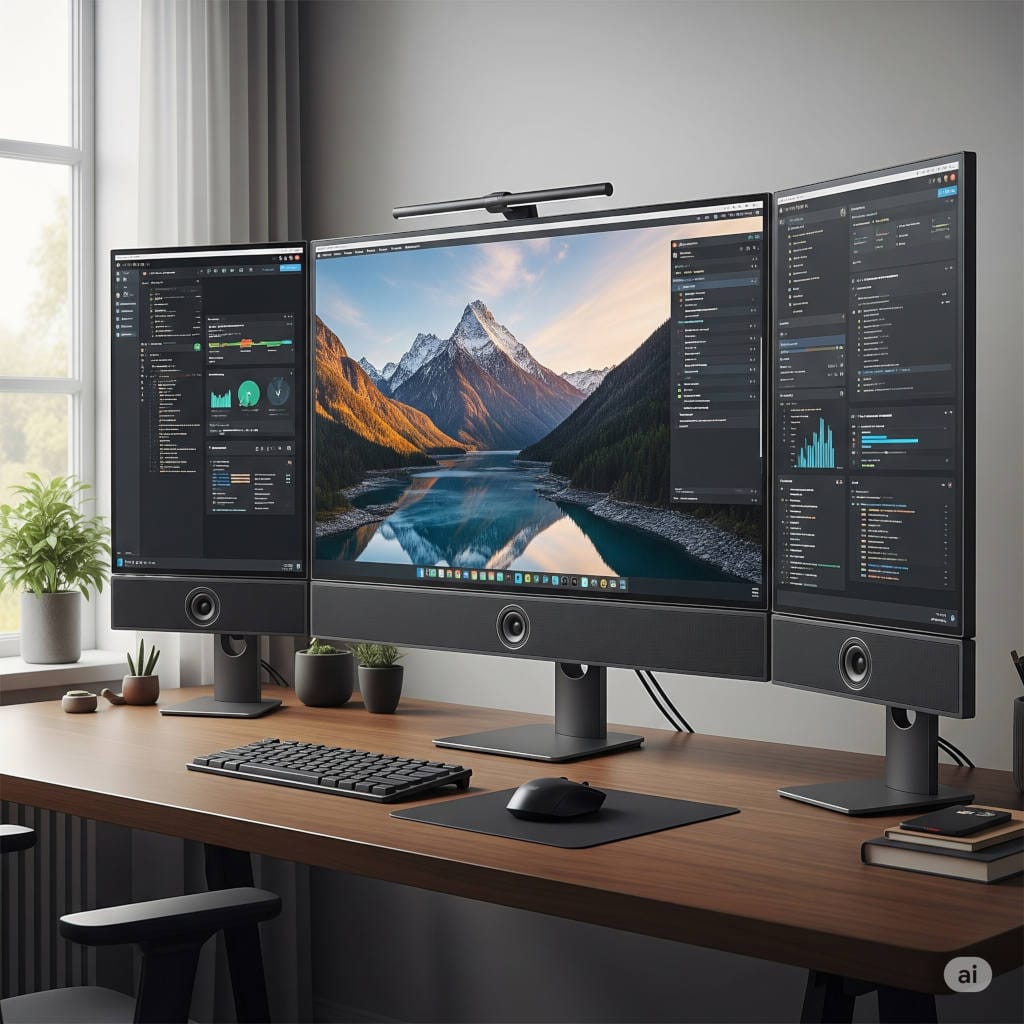
This curved 34-inch ultrawide gives you panoramic space for multiple apps side-by-side.
A high-res 5MP webcam with HDR, noise-canceling mics, and quad speakers excel in meetings. Thunderbolt 4 and extensive ports make it a true docking station.
Why it’s great: Immersive for heavy workflows while maintaining strong conferencing tools.
Pros: Expansive screen; powerful audio; fast refresh.
Cons: Requires more desk space.
Budget-Friendly Compact Choice: ASUS BE24EQK (24-inch Full HD)
For smaller desks or tighter budgets, this 24-inch model keeps things simple and effective.
The adjustable 2MP webcam includes a privacy shutter, with array mics and speakers for reliable calls.
Eye-care tech reduces strain during long days.
Pros: Affordable; space-saving; solid basics.
Cons: Lower resolution limits detail work.
Tips for Setting Up Your New Monitor
- Position at eye level, arm’s length away.
- Use natural light from the side or add a ring light for better webcam results.
- Calibrate colors and test the camera in your usual apps.
- Manage cables with organizers for a clean look.
- Pair with an ergonomic chair and keyboard for all-day comfort.
Common Issues and Solutions
- Poor lighting? Invest in affordable LED panels.
- Echoey audio? Position away from hard surfaces or use software noise suppression.
- Privacy concerns? Opt for pop-up or shutter models.
Looking Ahead: Trends in 2026 and Beyond
We’re seeing more AI enhancements, like better background effects and gesture controls, plus sustainable designs with recycled materials.
Frequently Asked Questions
Are built-in webcams as good as external ones?
For most professional calls, yes—especially on premium models. Dedicated cams might edge out for streaming.
Do these work with any computer?
Most are universal via HDMI/USB-C, but check for OS-specific features like Windows Hello.
What’s the best size for a home office?
27 inches is the sweet spot for most.
Can I use it without a PC?
Smart models like Samsung’s can for basic tasks.
Final Thoughts: Upgrade Your Home Office Today
A monitor with a built-in webcam isn’t just convenient—it’s a smart investment that streamlines your setup and elevates your professional image. From premium powerhouses like the Dell U3223QZ to value picks like the HP E27m G4, there’s an option to fit every home office.
Take stock of your daily needs, measure your desk, and choose one that excites you. You’ll wonder how you managed without it once it’s set up.
Happy working—and looking great on those calls!