Remote work is no longer a temporary fix—it has become a permanent lifestyle for millions. Our homes now double as workplaces, and the way we set up our offices directly affects not just productivity but also health, energy, and mood.
While we often focus on ergonomic furniture, high-performance laptops, and faster Wi-Fi, one element is consistently underestimated: lighting.
Good lighting is not just about being able to see clearly. It’s about creating a space where your mind stays sharp, your body feels comfortable, and your day flows naturally. Done wrong, lighting can cause fatigue, headaches, disrupted sleep, or even a sense of low motivation. Done right, it can transform your home office into a space that energizes you during the day and calms you when it’s time to log off.
This guide covers everything you need to know about the best lighting for home offices—from types of light sources to bulb choices, design tips, brand recommendations, and even budget-friendly hacks. Whether your home office is a full room or a tiny corner of your living space, you’ll find practical strategies here to make it work.
Why Lighting Deserves More Attention
Think about the last time you worked in a poorly lit room. Maybe it was too dim and you found yourself squinting, or perhaps the overhead light was so harsh it made you feel restless. These subtle discomforts add up.
Here’s why the right lighting is not just a luxury—it’s essential:
1. Protects Your Eyes
Digital screens already put your eyes under constant stress. Without balanced lighting, you increase the risk of headaches, blurry vision, and long-term strain.
2. Shapes Productivity
Light influences how alert or sluggish we feel. A well-lit room can encourage deep focus, while inadequate or overly warm lighting can lull you into distraction.
3. Impacts Emotional Well-Being
Natural sunlight has been shown to regulate serotonin, the hormone connected to mood. That’s why a bright, airy office often feels uplifting, while a dim one can feel depressing.
4. Supports Your Sleep Cycle
Your body clock (circadian rhythm) depends on cues from light. Exposure to cool, bright light during the day helps you stay energized, while switching to softer tones in the evening signals it’s time to wind down.
5. Elevates Professional Presence
If you attend video calls regularly, lighting makes a huge difference. Poor backlighting can leave your face in shadow, while well-placed lights present you clearly and professionally.
The Four Layers of Effective Home Office Lighting
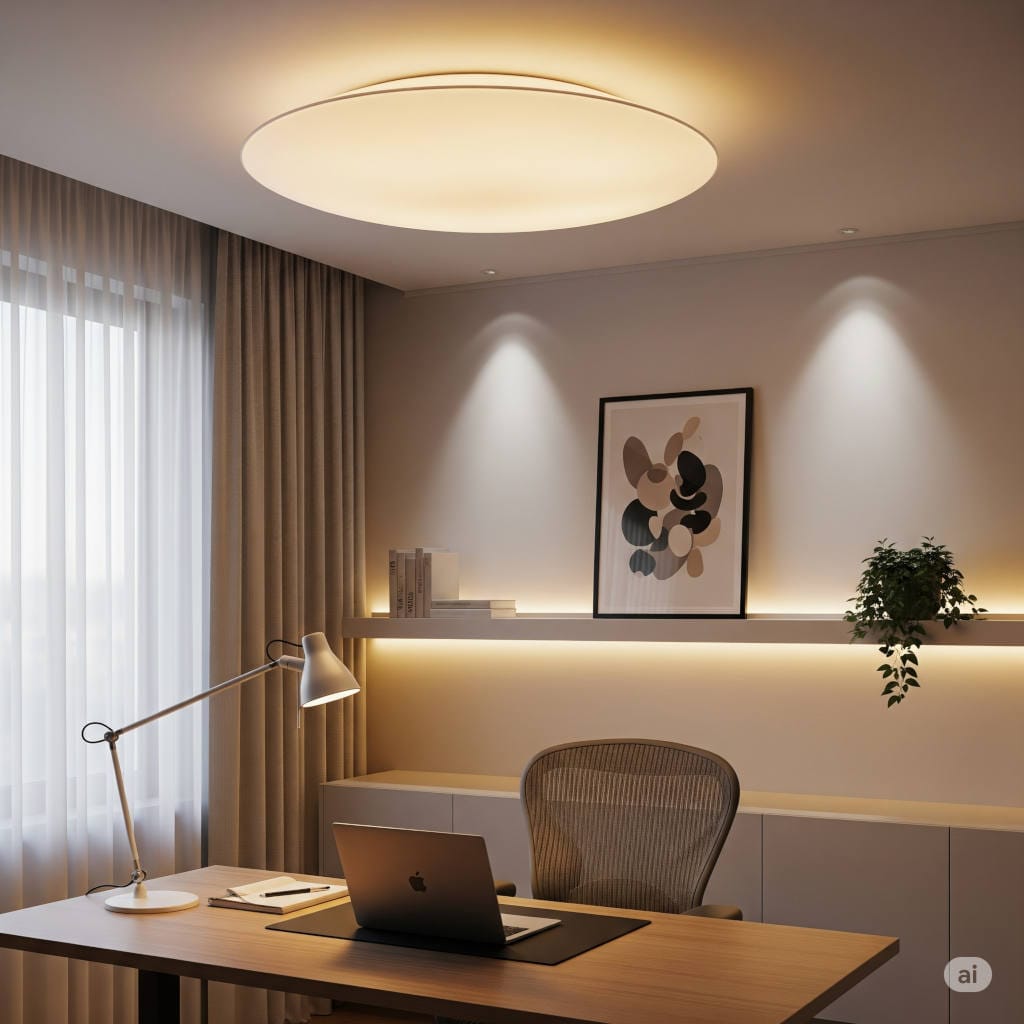
Professional lighting designers often recommend layering light. Instead of depending on one lamp or fixture, combining multiple types creates balance, reduces shadows, and makes the space both functional and inviting.
1. Natural Light (The Starting Point)
Daylight is the most beneficial form of light. It boosts mood, reduces fatigue, and helps regulate your sleep-wake cycle.
How to maximize it:
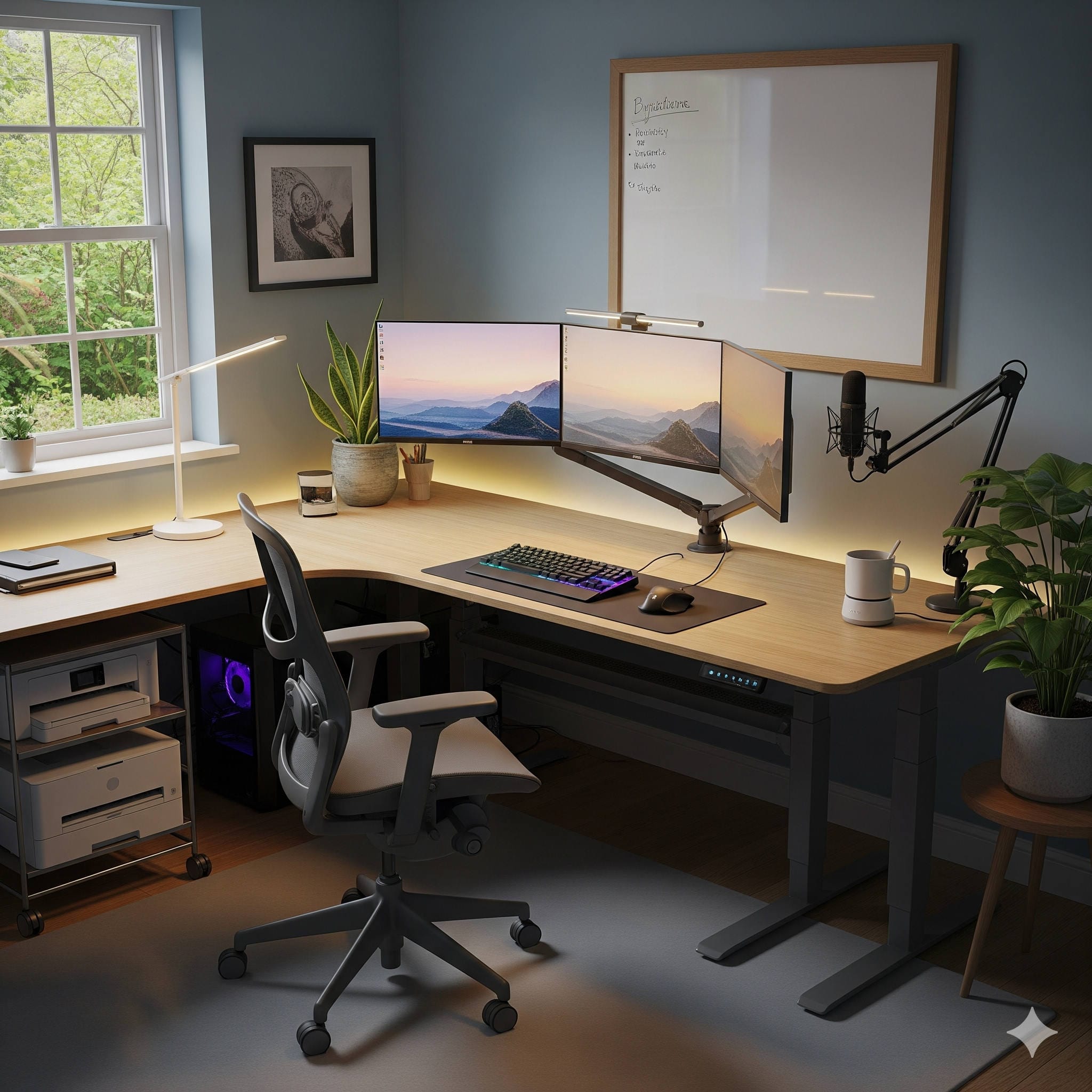
- Position your desk near a window, ideally at a 90-degree angle to avoid screen glare.
- Use sheer curtains or blinds to soften direct rays.
- Add mirrors opposite the window to reflect more daylight into the room.
When natural light is limited:
If your office is in a basement or a windowless room, consider daylight simulation lamps like the Verilux HappyLight or Circadian Optics Lumos. These mimic natural sunlight and can help fight sluggishness, especially in winter.
2. Ambient Lighting (The Base Layer)
Ambient light provides overall illumination for your office, ensuring you’re not staring at a bright screen in an otherwise dark room.
Options for ambient lighting:
- Ceiling-mounted fixtures with LED bulbs.
- Floor lamps with wide, diffused shades.
- Pendant lights for a stylish touch.
Recommended brands:
- Philips Hue White Ambiance – smart bulbs you can dim and tune between warm and cool tones.
- IKEA FLOALT Panels – affordable LED panels that provide soft, even coverage.
- West Elm Globe Ceiling Lights – stylish options if you want design + function.
3. Task Lighting (Focused Illumination)
Task lights give concentrated brightness for specific activities like writing, reading, or working on detailed projects.
Key features to look for:
- Adjustable arms or flexible goosenecks.
- Dimmable brightness.
- A color temperature range of 3500K–5000K.
Top task lighting options:
- BenQ e-Reading LED Desk Lamp – engineered for screen use with wide coverage.
- Luxo L-1 Swing Arm Lamp – a design classic with flexible positioning.
- IKEA HÅRTE LED Lamp (UK) – slim and budget-friendly, great for small desks.
4. Accent Lighting (For Atmosphere and Warmth)
Accent lights are about comfort and personality. They’re not essential for visibility but make your space more enjoyable and motivating.
Great accent lighting ideas:
- LED strips behind your monitor or shelves.
- Wall sconces with warm white bulbs.
- Decorative lamps or artistic fixtures.
Recommended picks:
- Nanoleaf Shapes – customizable light panels that double as modern art.
- Govee RGBIC LED Light Strips – affordable, app-controlled, and colorful.
- Himalayan Salt Lamps – for a warm, calming glow.
Understanding Bulbs: Brightness, Color, and Quality
Even with the right lamp, the bulb inside determines how effective your lighting truly is. Let’s break it down:
1. Brightness (Lumens)
Watts measure energy use; lumens measure actual brightness. For home offices:
- Desk lamps: 400–800 lumens.
- Small offices: 1500–3000 lumens total.
- Larger spaces: 3000–6000 lumens.
2. Color Temperature (Kelvins)
Color temperature creates the mood of a room:
- 2700K–3000K (Warm White): Relaxing, best for evenings.
- 3500K–4100K (Neutral White): Balanced, good for everyday office work.
- 5000K–6500K (Daylight): Energizing, excellent for focus-intensive tasks.
Pro tip: Use cooler tones during the day, then switch to warmer tones after sunset to support your circadian rhythm.
3. CRI (Color Rendering Index)
The CRI measures how accurately light shows colors. For offices, choose bulbs with CRI 80+, and if you work in design or photography, aim for 90+.
4. Types of Bulbs
- LED: Long-lasting, energy-efficient, versatile in brightness and tone.
- CFL: Cheaper but less efficient and fading out of popularity.
- Incandescent: Warm but outdated and not eco-friendly.
Reliable LED brands:
- Philips Hue – for smart, customizable options.
- Cree Lighting – affordable, durable, and available in most hardware stores.
- Soraa Radiant – premium, high-CRI bulbs loved by designers.
How to Build Your Home Office Lighting Setup
Let’s put everything into action. Here’s a practical step-by-step method:
- Place your desk strategically. Near a window if possible, but not directly facing it.
- Install a strong ambient source. This could be ceiling lights, pendant fixtures, or a large floor lamp.
- Add a task lamp. Position it opposite your dominant hand to avoid casting shadows on your work.
- Introduce accent lighting. LED strips or wall sconces add personality and warmth.
- Consider video call needs. A ring light or side-facing lamps ensure your face is evenly lit.
Common Mistakes (and How to Fix Them)
- Depending on a single light source. Overhead lights alone create shadows. Solution: add task and accent lighting.
- Using bulbs that are too dim or too harsh. Check lumen levels and use dimmable lights when possible.
- Forgetting glare control. Glare from windows or shiny bulbs makes screens harder to read. Add blinds or diffusers.
- Ignoring background lighting. Sitting in a dark room with only your screen lit up is tough on your eyes. Use soft ambient lights.
- Placing lights behind you. It creates silhouettes on video calls. Position light sources in front or at a side angle.
Lighting Setups Tailored to Different Jobs
Not everyone works the same way, so lighting should be customized to your profession:
- Writers and Researchers – soft neutral white, a simple desk lamp for reading, no overwhelming brightness.
- Designers and Visual Artists – high-CRI bulbs, daylight simulation, and adjustable lamps for color accuracy.
- Programmers and IT Professionals – monitor light bars, cool white tones for alertness, anti-glare positioning.
- Managers and Professionals on Calls – front-facing ring lights or side lamps, neutral white (~4000K) for natural appearance.
Smart Lighting: Taking It to the Next Level
Smart lighting systems let you customize your office for different moods, times, and tasks.
Why consider smart lighting?
- Adjust brightness and tone with an app or voice command.
- Automate lights to follow your schedule.
- Create presets: Focus Mode, Relax Mode, Meeting Mode.
Best smart systems:
- Philips Hue Starter Kits – versatile and widely supported.
- LIFX Bulbs – bright, colorful, no hub required.
- Nanoleaf Elements – wood-textured panels that double as wall décor.
Budget-Friendly Lighting Hacks
Not ready to splurge? Try these cost-effective fixes:
- Use clip-on LED lamps for flexible task lighting.
- Add $20 LED strip lights behind your desk to reduce contrast.
- Swap old bulbs for tunable white LEDs that let you adjust tone.
- Place a mirror or light-colored board to bounce natural light deeper into the room.
The Connection Between Lighting and Ergonomics
Good lighting doesn’t just help your eyes. It encourages better posture and reduces physical fatigue. When your desk is evenly illuminated, you’re less likely to hunch forward or crane your neck to see clearly. Pair proper lighting with an ergonomic chair and desk setup for maximum comfort.
Future of Home Office Lighting
The next decade will bring even smarter, healthier lighting:
- Human-centric lighting that syncs with natural rhythms.
- AI-driven adaptive lights that change automatically with the weather or your calendar.
- Voice and gesture controls for seamless adjustments.
- Wellness integrations that remind you to take breaks or reduce screen exposure.
Final Thoughts
Lighting is often the unsung hero of a home office. While desks, monitors, and chairs usually get all the attention, the quality of your light determines how well you can actually use those tools.
The best lighting setup:
- Combines natural, ambient, task, and accent lighting.
- Balances brightness and color temperature based on the time of day.
- Reduces eye strain while keeping your mood lifted.
- Adapts to your work style, whether you’re a creative, a coder, or a manager.
Ultimately, good lighting is an investment in both productivity and well-being. Start small—replace a bulb, add a desk lamp, or position your desk near natural light. Over time, you’ll discover the perfect balance that makes your workspace not just functional, but inspiring.
You might also like,
- Best Monitors with Built-in Speakers for Home Office 2026: Top Picks
- Best Orthopedic Office Chairs for Home Office 2026: Complete Buyer’s Guide
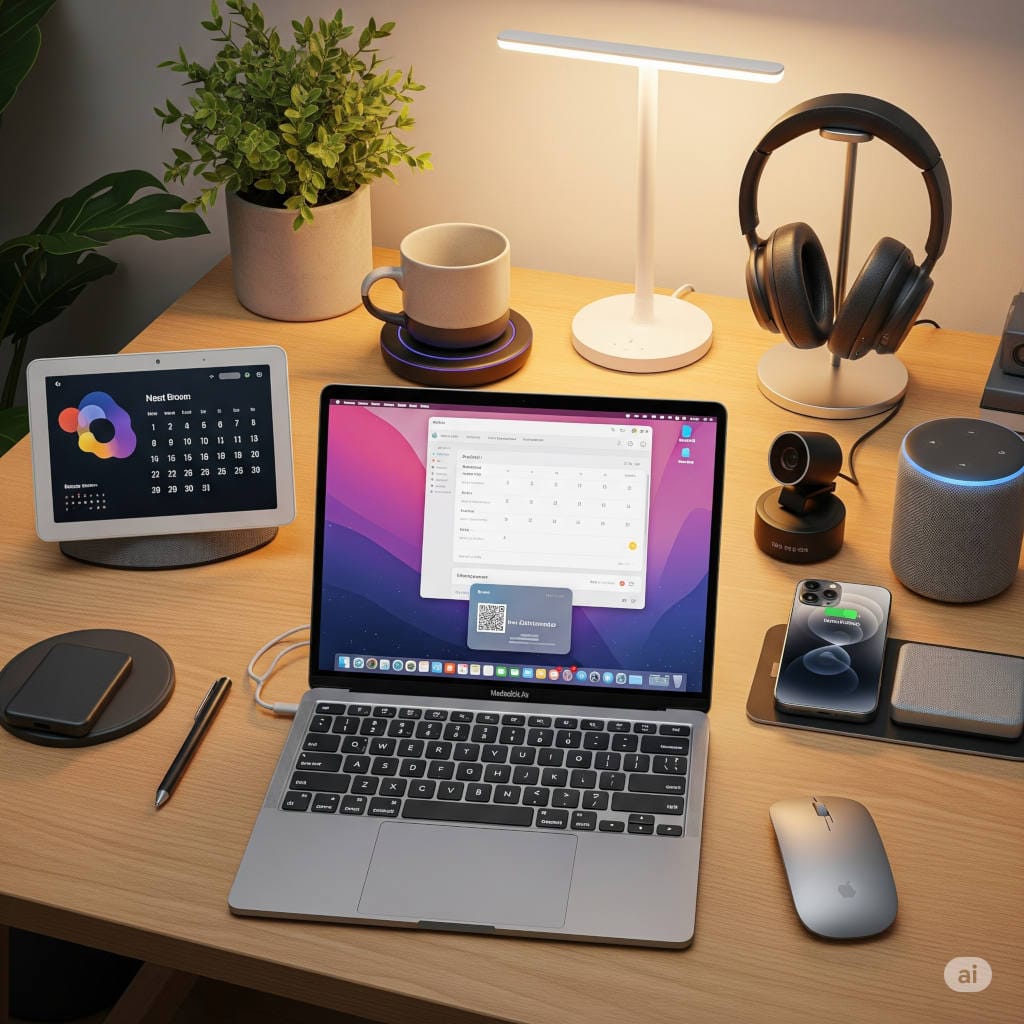
- Top 10 Smart Gadgets for Your Work-from-Home Office in 2026 (Boost Productivity & Comfort)