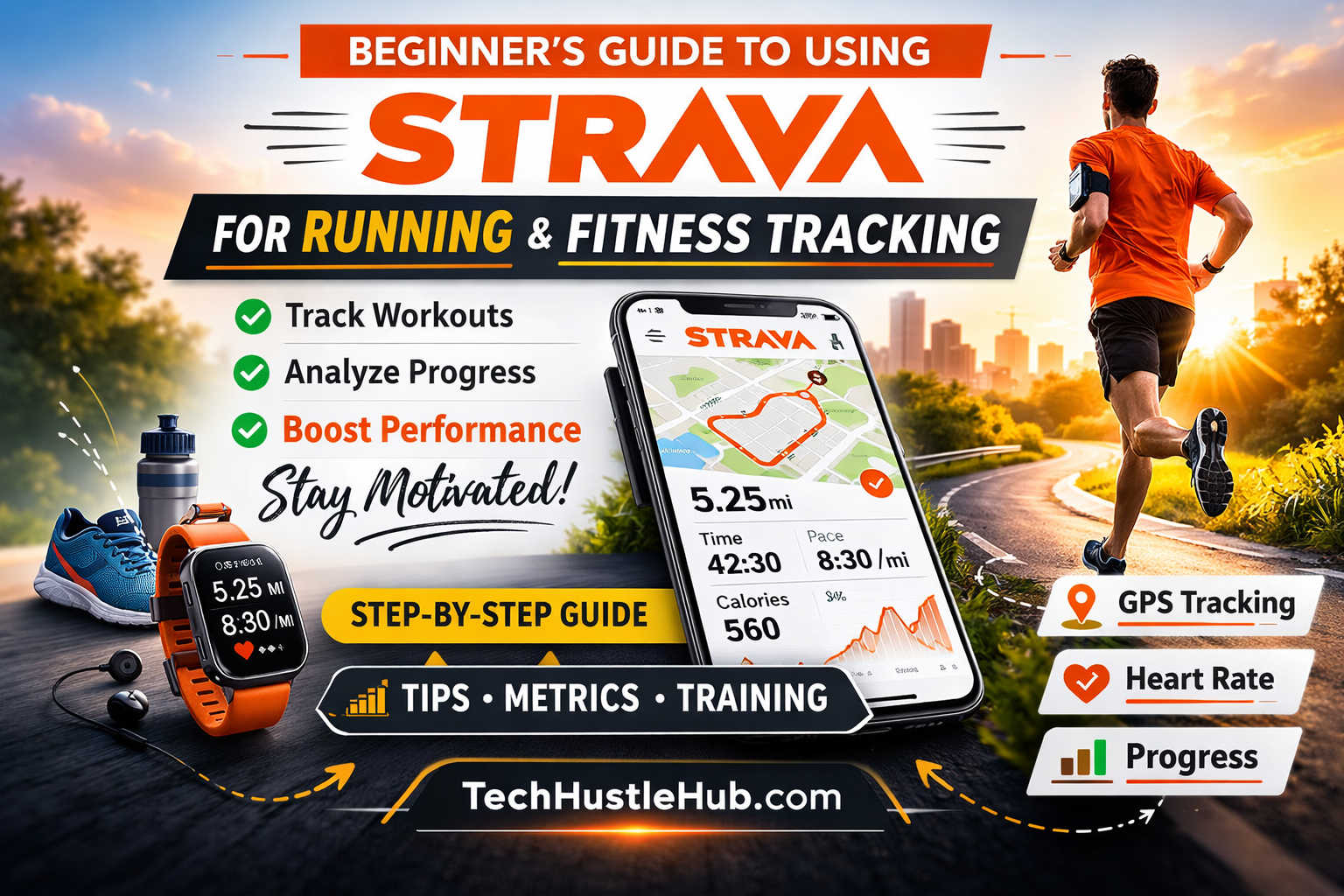
If you’ve recently started running—or you’re thinking about it—you’ve probably heard of Strava. It’s one of the most popular fitness tracking apps in the world, used by millions of runners, cyclists, and everyday athletes to record workouts, analyze performance, and stay motivated.
But if you’re new, the app can feel overwhelming. Segments, pace graphs, leaderboards, relative effort—what does it all mean?
This beginner-friendly guide will walk you through how to use Strava for running and fitness tracking step by step. By the end, you’ll understand how to record your first run, interpret your stats, improve your training, and decide whether Strava Premium is worth it.
Strava is a GPS-based fitness tracking app that records your runs, walks, rides, and other workouts using your smartphone or a GPS watch. It turns raw data—like distance, time, and heart rate—into detailed performance insights.
At its core, Strava does three things:
Tracks your workouts using GPS
Analyzes your performance metrics
Connects you with a fitness community
Unlike basic step counters, Strava focuses heavily on endurance sports like running and cycling. It provides advanced stats while still being beginner-friendly.
If you’re searching for the best running app for beginners, Strava consistently ranks at the top because it combines training tools with social motivation.
How to Set Up Strava for Running
Getting started takes just a few minutes.
Step 1: Download and Create an Account
Install the Strava app on iOS or Android, or create an account on the website. You’ll enter basic details like:
Age
Weight
Gender (optional but helpful for calculations)
These details improve calorie estimates and effort analysis.
Step 2: Adjust Privacy Settings First
Before recording your first run, take a moment to configure privacy settings:
Hide your home address (set a privacy zone)
Choose who can see your activities
Decide whether your profile is public or followers-only
This is especially important if you run from your home regularly.
How to Record a Run on Strava
You can use either your smartphone or a GPS watch.
Using Your Phone
Open the app
Tap “Record”
Select “Run”
Wait for GPS signal
Press “Start”
After finishing:
Tap “Stop”
Save the activity
Add a title and description
Pro tip: Wait until GPS fully locks before starting. Starting too quickly can reduce accuracy.
Using a GPS Watch (Recommended)
While phones work fine, serious beginners often upgrade to a running watch for better battery life and accuracy.
Popular beginner-friendly GPS watches include:
Garmin Forerunner 55 – Excellent entry-level running watch with pace alerts and heart rate tracking
Apple Watch SE – Great for runners who want smartwatch features plus fitness tracking
COROS Pace 3 – Long battery life and lightweight design
Polar Pacer – Strong heart rate accuracy and training insights
These devices automatically sync workouts to Strava once connected.
Understanding Key Strava Running Metrics
If you’re new to running analytics, start with these five core metrics:
Distance
Measured in miles or kilometers. This is your total training volume.
Consistency matters more than speed when you’re starting out.
Pace
Pace is how fast you run per mile or kilometer.
Example: 9:30 per mile.
Lower numbers mean faster speeds.
Beginners should focus on running at a conversational pace rather than chasing fast numbers.
Elevation Gain
This shows how much you climbed during your run. Even small hills dramatically increase effort.
If your pace slows on hilly routes, that’s completely normal.
Heart Rate
If you use a heart rate monitor, you’ll see how hard your body is working.
For beginners:
Easy runs: 60–75% of max heart rate
Hard efforts: 80–90%
Training mostly easy helps build endurance safely.
Moving Time vs Elapsed Time
Moving time excludes pauses.
Elapsed time includes stops.
For performance tracking, moving time is more useful.
What Are Strava Segments?
Segments are specific stretches of road or trail where runners compete for the fastest time.
When your run overlaps with a segment:
Strava automatically records your time
You’re ranked on a leaderboard
You can compare efforts
For beginners, segments are motivational—but don’t feel pressure to compete. Focus first on building aerobic endurance.
Free vs Paid Strava: Is Premium Worth It?
Strava offers a free version and a subscription plan.
Free Version Includes:
GPS tracking
Basic stats
Activity feed
Limited segment rankings
Strava Subscription Includes:
Detailed pace analysis
Heart rate zone breakdown
Training log calendar
Performance trends
Route planning
Advanced segment filtering
For new runners, the free version is usually enough. Upgrade if you begin structured training or race preparation.
How to Use Strava to Improve Your Running
Here’s where Strava becomes powerful.
Track Weekly Mileage
Instead of focusing on speed, track how many miles you run per week.
A safe progression:
Increase weekly mileage by no more than 10%
Include at least one rest day
Consistency over months leads to dramatic improvement.
Watch Your Personal Records (PRs)
Strava automatically tracks your best times at:
1K
1 mile
5K
10K
Half marathon
Seeing these improve builds confidence and motivation.
Use Trends, Not Single Runs
One slow run doesn’t mean you’re regressing. Look at 4–6 week trends.
If your average pace improves at the same heart rate, your fitness is improving.
Best Accessories to Use with Strava
To get the most accurate data, consider these beginner-friendly upgrades:
Heart Rate Monitor
Chest straps (like the Garmin HRM-Dual or Polar H10) provide more accurate data than wrist-based sensors.
Running Shoes
Your app matters—but your shoes matter more. Good beginner options:
Replace shoes every 300–500 miles to prevent injury.
Running Belt or Armband
If you use your phone, a secure running belt prevents bounce and discomfort.
Common Beginner Mistakes When Using Strava
Comparing Yourself to Others
Everyone’s fitness level is different. Use Strava to compete with your past self.
Running Too Fast
Most beginners run too hard. Keep most runs easy.
Ignoring Recovery
Strava tracks activity—but rest days are where improvement happens.
Obsessing Over Every Data Point
Focus on:
Weekly mileage
Average pace trend
How you feel
Ignore advanced metrics until you need them.
Using Strava for Motivation
Strava’s social features are powerful.
You can:
Follow friends
Give and receive kudos
Join running clubs
Participate in challenges
These small social rewards increase consistency, which is the most important factor in long-term fitness success.
Sample Beginner Running Plan Using Strava
Week Structure:
Monday – Rest
Tuesday – 2-mile easy run
Wednesday – Strength training
Thursday – 3-mile run
Friday – Rest
Saturday – 4-mile long run
Sunday – Walk or light cross-training
Log every workout. Review your weekly mileage every Sunday.
How Accurate Is Strava?
Accuracy depends on:
GPS signal quality
Device used
Environment (trees, buildings)
GPS watches typically provide more reliable data than smartphones.
To improve accuracy:
Wait for full GPS signal
Avoid starting indoors
Keep your device charged
Frequently Asked Questions About Using Strava for Running
Is Strava good for beginners?
Yes. It’s easy to use for tracking basic runs and scalable as you improve.
Does Strava track treadmill running?
Yes, but you must enter distance manually unless your watch syncs indoor data.
Is Strava accurate for calories?
Calorie estimates are approximations. They improve when you enter accurate weight and heart rate data.
Can I use Strava without a smartwatch?
Absolutely. A smartphone is enough to get started.
How often should I check my stats?
Review weekly trends rather than analyzing every run.
Long-Term Benefits of Using Strava
Over time, Strava becomes more than a tracking app. It becomes:
A digital training journal
A motivation tool
A progress archive
A personal accountability system
Looking back at your first recorded run months later can be incredibly rewarding.
Final Thoughts: Should You Use Strava?
If you want to:
Track your running progress
Stay motivated
Analyze performance
Connect with other runners
Strava is one of the best running apps available today.
Start simple. Record your runs. Focus on consistency. Learn the basics of pace and mileage.
As your fitness improves, you can dive deeper into analytics and structured training.
Your first run on Strava isn’t about speed. It’s about starting.
And once you start, the data will tell the story of your growth.