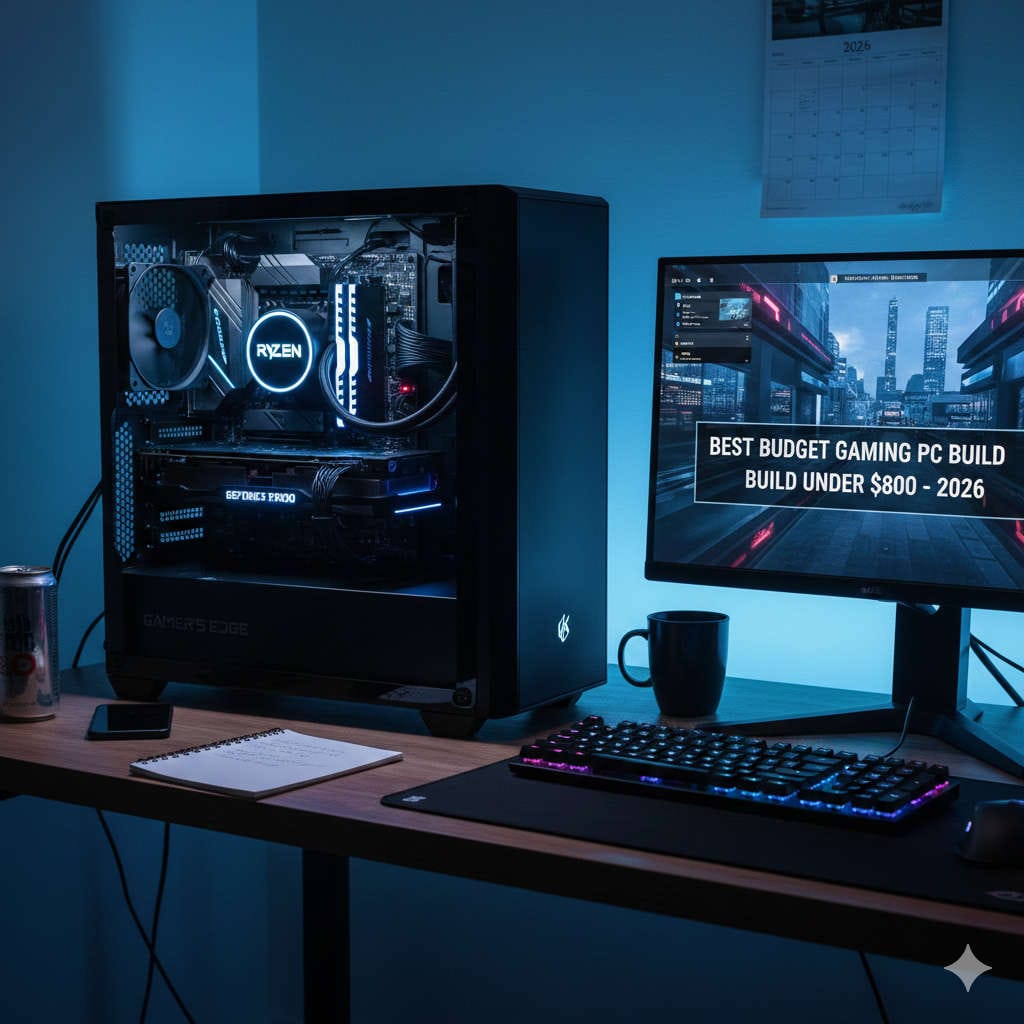
Building a budget PC in 2026 is no longer about cutting corners. It is about making intelligent choices. With the right combination of modern components, you can build a fast, quiet, and reliable home office computer for under $800 that easily handles daily work tasks and remains relevant for years.
Whether you work remotely, manage a small business, study from home, or simply need a dependable productivity machine, this guide walks you through everything you need to know. From understanding what performance really matters to choosing the best value components, this article is written to help real users—not just enthusiasts.
What Defines a Home Office PC in 2026
A home office PC in 2026 must handle far more than basic document editing. Modern workflows demand consistent multitasking and responsiveness.
A well-built home office PC should comfortably manage:
- Multiple browser tabs running simultaneously
- Video conferencing with HD cameras and screen sharing
- Office productivity tools like spreadsheets and presentations
- Cloud-based platforms and collaboration tools
- Email, messaging, and scheduling software
- Light photo editing or simple video trimming
- Dual or even triple monitor setups
Unlike gaming or workstation PCs, home office systems prioritize stability, speed, efficiency, and quiet operation rather than raw graphical power.
Why Building Your Own PC Is Better Than Buying Prebuilt
Prebuilt systems often appear convenient, but they frequently compromise on component quality to reduce cost.
Advantages of Building a Budget PC Yourself
- Better performance per dollar
- Higher-quality power supplies and motherboards
- No unnecessary preinstalled software
- Easier upgrades in the future
- Components chosen specifically for your workload
In most cases, a custom-built PC under $800 will outperform a prebuilt system in the same price range, especially in everyday productivity tasks.
Smart Budget Allocation for an $800 PC Build
To maximize performance while staying within budget, your spending priorities should follow this order:
- Processor (CPU)
- Memory (RAM)
- Storage (SSD)
- Motherboard
- Power Supply
- Case and cooling
- Graphics card (optional)
This approach ensures your system feels fast and responsive where it matters most.
Recommended Budget PC Build Under $800 (2026)
This build focuses on reliability, modern performance, and future upgrades while staying affordable.
Target Budget
- Productivity-focused build: $500–$600
- With entry-level graphics card: $700–$800
Processor (CPU): The Core of Productivity
Recommended CPUs
- AMD Ryzen 5 7600
- AMD Ryzen 5 5600G (budget-friendly alternative)
- Intel Core i5-13400 (if found at a competitive price)
Why These CPUs Are Ideal
These processors offer:
- At least 6 cores and 12 threads
- Strong single-core performance
- Excellent multitasking ability
- Integrated graphics capable of handling office workloads
For home office use, integrated graphics eliminate the immediate need for a graphics card, saving money while maintaining smooth performance.
Motherboard: Stability and Upgrade Potential
Recommended Motherboards
What to Look For
- Compatibility with your chosen CPU
- At least four RAM slots if possible
- Multiple USB ports, including USB-C if available
- NVMe SSD support
- Solid power delivery for long-term reliability
Avoid ultra-cheap motherboards with poor cooling or limited expansion options.
Memory (RAM): Smooth Multitasking Matters
Recommended RAM
Why 16GB Is Essential in 2026
Modern browsers, collaboration tools, and background services consume significant memory. With 16GB of RAM, you can:
- Switch between applications without slowdown
- Keep dozens of tabs open
- Use video conferencing tools smoothly
For power users, upgrading to 32GB later is simple and cost-effective.
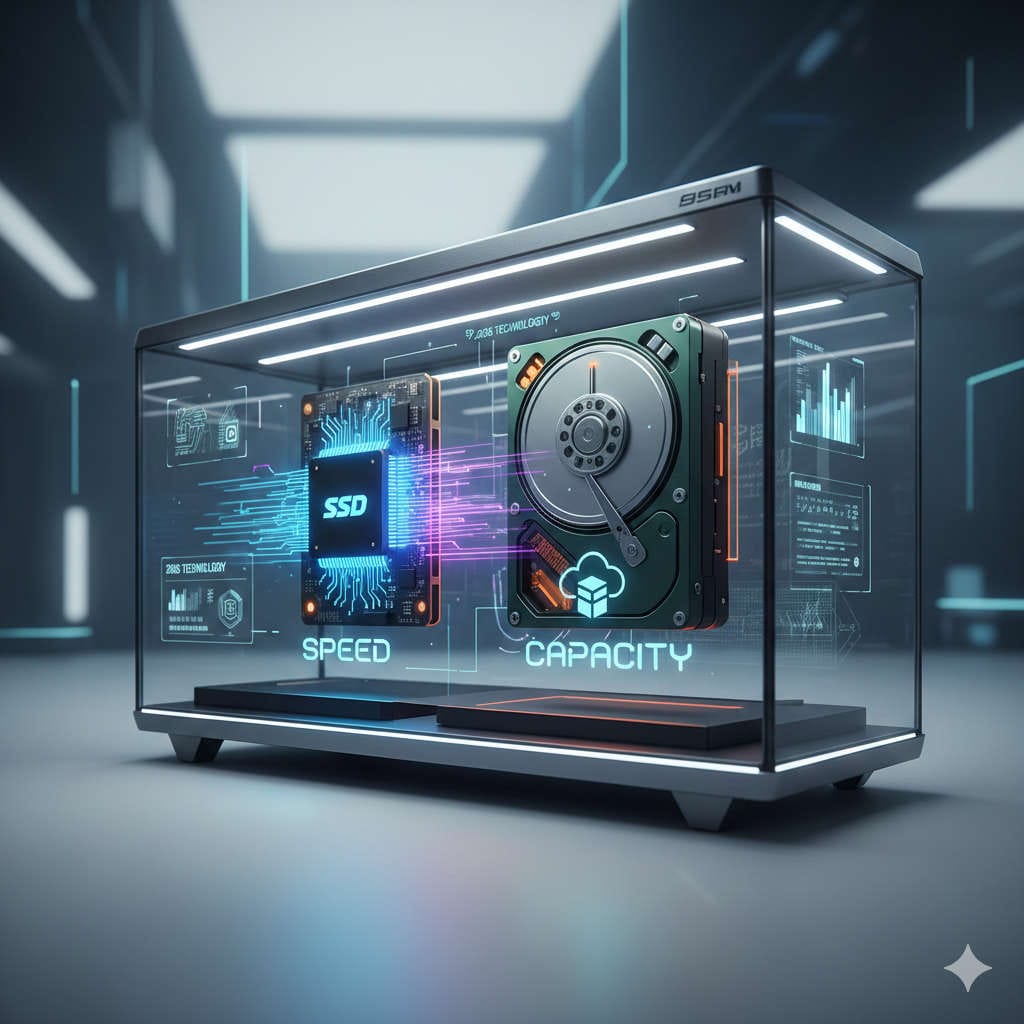
Storage (SSD): Speed You Notice Instantly
Recommended SSDs
Why NVMe Storage Is Non-Negotiable
An NVMe SSD dramatically improves:
- Boot times
- Application loading
- File transfers
- Overall system responsiveness
A 1TB drive provides plenty of space for work files, applications, and media without constant cleanup.
Graphics: Do You Really Need a GPU?
Integrated Graphics (Best for Most Users)
Modern integrated graphics handle:
- Office software
- Web-based tools
- HD and 4K video playback
- Multiple monitors
For most home office users, a discrete GPU is unnecessary.
Recommended Budget Graphics Cards (Optional)
If you want extra graphical power:
These cards are suitable for light gaming, creative workloads, and GPU-accelerated applications.
Power Supply (PSU): Reliability First
Recommended PSUs
- Corsair CX550
- EVGA 600 BR
- Seasonic S12III 550W
Why PSU Quality Matters
A good power supply ensures:
- Stable performance
- Component protection
- Quiet operation
- Upgrade flexibility
Never choose a power supply based on price alone.
Case: Comfort, Airflow, and Practicality
Recommended Budget Cases
- NZXT H5 Flow
- Cooler Master MasterBox Q300L
- Fractal Design Focus G
What Makes a Good Case
- Good airflow
- Quiet operation
- Enough room for cable management
- Support for future upgrades
A clean, well-ventilated case improves longevity and reduces noise.
Cooling and Noise Optimization
Most modern CPUs include adequate stock coolers. However, for quieter operation:
- Add one or two quality case fans
- Consider a budget aftermarket CPU cooler later
A quieter PC improves focus and reduces fatigue during long workdays.
Operating System and Software Setup
Choose an operating system that fits your workflow:
- Windows for broad compatibility
- Linux for lightweight, customizable environments
Keep drivers updated and disable unnecessary startup programs for best performance.
Energy Efficiency and Long-Term Savings
Modern components are designed to be power-efficient. A properly built budget PC:
- Uses less electricity
- Generates less heat
- Operates quietly
This is especially important for systems that run all day.
Easy Future Upgrades
This build allows simple upgrades later:
- Add more RAM
- Install a second SSD
- Add a graphics card
- Upgrade the CPU within the same platform
This flexibility extends the useful life of your PC significantly.
Common Mistakes to Avoid When Building a Budget PC
- Choosing only 8GB of RAM
- Buying the cheapest power supply
- Overspending on graphics for office use
- Ignoring airflow and cooling
- Skipping compatibility checks
Avoiding these mistakes ensures a smoother build and better long-term performance.
Who Should Choose This Budget PC Build
This build is ideal for:
- Remote workers
- Freelancers
- Students
- Small business owners
- Home office professionals
- Anyone upgrading from an older PC
It balances cost, performance, and reliability without unnecessary extras.
Final Thoughts: Is a Budget PC Under $800 Worth It in 2026?
Yes—without question.
A thoughtfully designed budget PC under $800 in 2026 can deliver fast performance, quiet operation, and excellent reliability for home office use. By focusing on the components that truly matter and avoiding unnecessary spending, you get a system that feels modern and responsive every day.
This is not about chasing trends. It is about building a machine that works hard, stays cool, and supports your productivity for years to come.