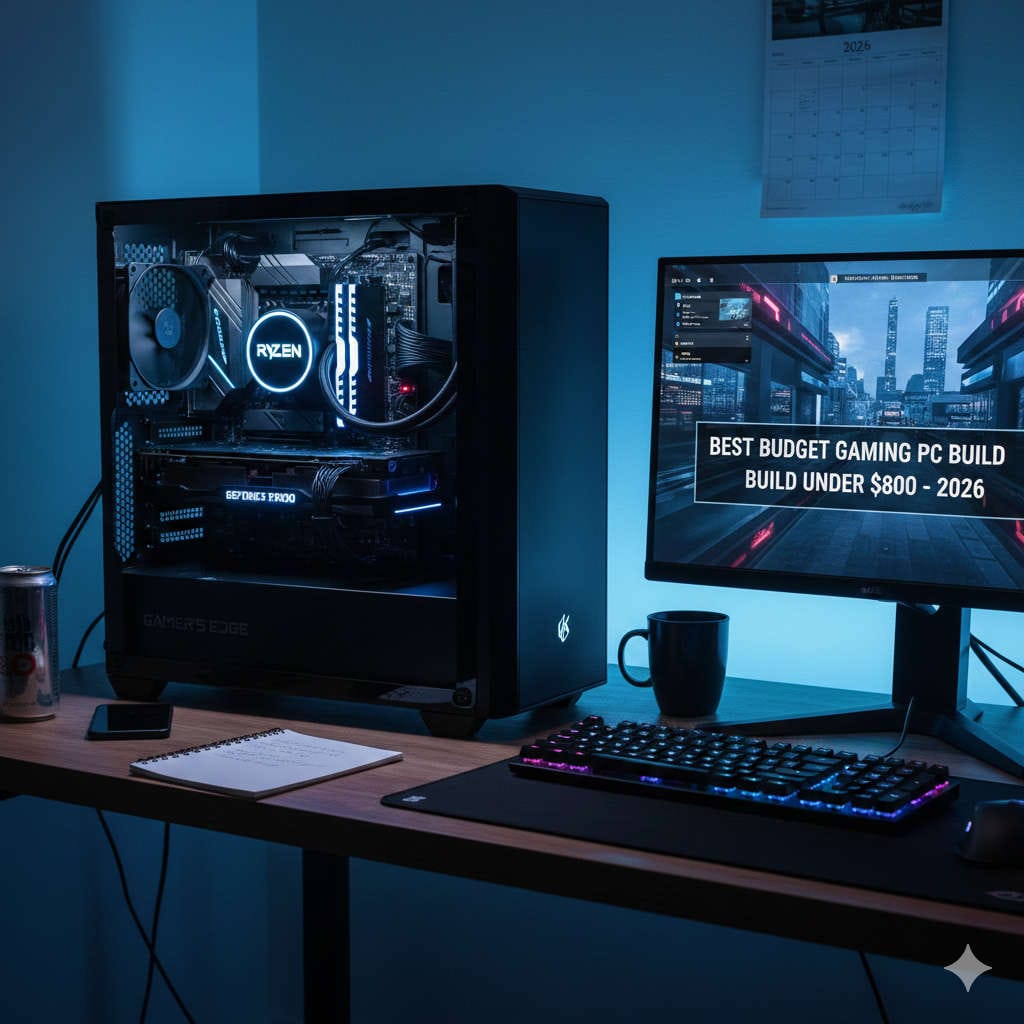
Building a gaming PC no longer requires spending thousands of dollars. In 2026, careful component selection allows gamers to assemble a powerful, modern system for under $800 that delivers excellent performance at 1080p, smooth gameplay in AAA titles, and extremely high frame rates in competitive games.
This guide is designed to be practical, beginner-friendly, and future-focused. Instead of simply listing parts, it explains why each component matters, how to balance performance, and how to avoid wasting money. Whether you are building your first gaming PC or upgrading from an older system, this article will help you make confident, informed decisions.
By the end, you will have a complete understanding of how to build the best budget gaming PC under $800 in 2026, including recommended components, expected gaming performance, and upgrade paths.
The gaming hardware market has matured significantly. Today’s budget and mid-range components outperform high-end parts from just a few years ago. This makes budget PC gaming more attractive than ever.
Key reasons a budget gaming PC makes sense in 2026:
Modern CPUs offer more cores and better efficiency at lower prices
GPUs are optimized for 1080p gaming, the most common resolution
SSD storage is affordable and dramatically improves system speed
PC components are modular, allowing gradual upgrades
PC gaming offers better customization than consoles or laptops
With the right approach, an $800 gaming PC can deliver a premium experience without unnecessary compromises.
What You Can Expect From an $800 Gaming PC
Setting realistic expectations is critical to satisfaction.
You can expect:
High or ultra settings at 1080p in most games
100+ FPS in esports titles
Smooth gameplay in modern AAA games
Fast boot times and quick game loading
Upgrade flexibility for future improvements
You should not expect:
Native 4K gaming
Ultra ray tracing in every title
Flagship-level workstation performance
When built correctly, an $800 gaming PC feels fast, responsive, and capable for everyday gaming.
How to Allocate Your Budget for Maximum Performance
Performance comes from balance. Overspending on one part while neglecting others leads to bottlenecks.
Recommended budget allocation:
Graphics Card: 35–40%
Processor (CPU): 20–25%
Motherboard: 8–10%
Memory (RAM): 8–10%
Storage: 6–8%
Power Supply: 6–8%
Case and Cooling: 5–7%
The GPU should always receive the largest share, as it directly impacts gaming performance.
Best Budget Gaming CPU for 2026
The CPU handles game logic, physics, and background tasks. While the GPU does most of the heavy lifting, a weak processor can still reduce frame rates.
Which should you choose?
If you prioritize raw performance per dollar, the RX 7600 is an excellent choice. If you want ray tracing and advanced upscaling features, the RTX 4060 may be worth the extra cost.
Choosing the Right Motherboard Without Overspending
The motherboard connects all components but does not directly affect gaming performance.
Avoid paying extra for unnecessary RGB lighting or premium audio unless you truly need it.
RAM: How Much Memory Do Gamers Need in 2026?
Recommended RAM: 16GB (2×8GB)
Sixteen gigabytes of RAM is the current sweet spot for gaming. It ensures smooth performance in modern games while allowing background apps to run without slowdowns.
Important tips:
Always use dual-channel RAM
Aim for DDR4-3200 or higher
Avoid single-stick configurations
Popular budget RAM brands include Corsair, G.Skill, Kingston, and TeamGroup.
Storage: Fast and Affordable Game Loading
Recommended Storage: 1TB NVMe SSD
Modern games are large, and slow storage can ruin the experience.
Benefits of NVMe SSDs:
Faster boot times
Reduced loading screens
Smoother overall system performance
A 1TB NVMe SSD offers enough space for your operating system, favorite games, and applications.
Power Supply: Do Not Cut Corners Here
A poor-quality power supply can damage your entire system.
Recommended PSU Specifications:
550W to 650W capacity
80+ Bronze certification or higher
Trusted brand reputation
Recommended brands include Corsair, Seasonic, EVGA, and Thermaltake.
A good PSU improves system stability and makes future upgrades safer.
Best Budget PC Case for Airflow and Value
Your case affects airflow, cooling, and ease of building.
What to Look For:
Mesh front panel
Included fans
Good cable management space
Support for full-size GPUs
Popular budget case brands include NZXT, Phanteks, Cooler Master, and Montech.
Example $800 Budget Gaming PC Build
Estimated Configuration:
CPU: Ryzen 5 5600
GPU: RX 7600 or RTX 4060
Motherboard: B550 or B660
RAM: 16GB DDR4
Storage: 1TB NVMe SSD
PSU: 650W 80+ Bronze
Case: Airflow-focused mid-tower
Estimated Cost: $700–$800 depending on sales and availability.
Gaming Performance You Can Expect
Esports Titles
Games like Valorant, CS2, Fortnite, and Apex Legends run at very high frame rates, often exceeding 144 FPS on high settings.
AAA Games
Modern single-player games typically run at 60–90 FPS on high settings at 1080p.
Ray Tracing and Upscaling
Ray tracing is usable at medium settings. Upscaling technologies can boost performance significantly with minimal image quality loss.
Upgrade Path and Future Proofing
One of the biggest advantages of a custom PC is upgrade flexibility.
Easy future upgrades include:
Adding more RAM
Installing a second SSD
Upgrading the GPU
Improving cooling
A well-chosen platform ensures your PC remains relevant for years.
Common Budget PC Building Mistakes to Avoid
Overspending on aesthetics
Buying a low-quality PSU
Using single-channel RAM
Ignoring airflow
Choosing incompatible parts
Avoiding these mistakes ensures better performance and reliability.
Is Building Better Than Buying a Prebuilt?
Prebuilt PCs offer convenience but often use lower-quality components. Building your own PC usually provides:
Better performance per dollar
Higher component quality
Easier upgrades
Better long-term value
If you are comfortable assembling hardware, building is almost always the smarter option.
Final Verdict: Is an $800 Gaming PC Worth It in 2026?
Yes — absolutely. A carefully planned budget gaming PC under $800 in 2026 delivers outstanding value. With strong 1080p performance, fast storage, and a clear upgrade path, this system can handle modern gaming with ease.
The key is balance. Focus on performance, reliability, and practicality instead of flashy extras. When built correctly, a budget gaming PC does not feel like a compromise — it feels like a smart investment.