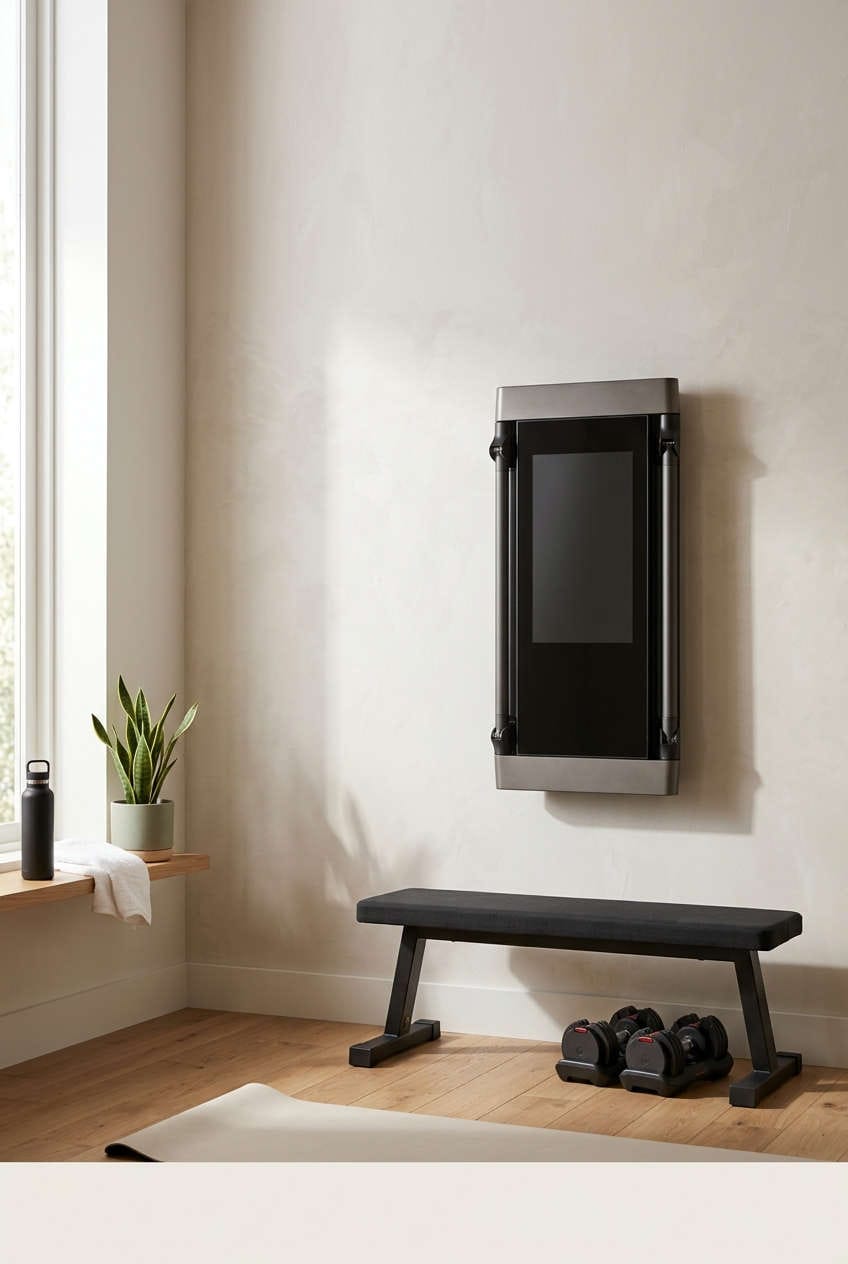
Most people who start shopping for a smart home gym end up asking the wrong question. They want to know whether the machine is impressive, and the answer is almost always yes. The better question is whether it fits your budget, your space, and your actual training history. Get those three things right and a connected fitness system can genuinely earn its place in your home. Get them wrong and you end up with a very expensive piece of equipment quietly gathering dust.
This guide walks through what these systems really cost, where the software risk hides, how well the coaching holds up, and what to do when things stop working. No hype, no sales pitch.
What Counts as a Smart Home Gym
The term covers a surprisingly wide range of products, and comparing them as if they were the same thing leads to bad decisions. Most systems fall into one of three buckets, and each carries a different set of trade-offs.
Wall-Mounted Digital Resistance Trainers
These are the flagship products of the category. A slim panel mounts to your wall and uses a motor to generate resistance, often up to around 200 pounds or more, while a touchscreen guides you through workouts. The upside is a full strength setup in a footprint barely wider than a doorway. The downside is cost and dependency. Premium models can run well past $4,000 before installation, and much of the coaching experience requires an ongoing membership.
Freestanding Cable Machines
Machines like the Speediance Gym Monster sit somewhere between a traditional cable rack and a connected device. You still pull handles, but resistance comes from a motor rather than a weight stack, and a screen handles the coaching. These units tend to cost less than wall-mounted systems and often work without a subscription, though the overall experience feels less refined. Form feedback in particular is usually thinner than what premium systems offer.
Connected Cardio and Mirror-Style Systems
Bikes, treadmills, and rowers with built-in screens make up one part of this group. The other part is the reflective smart mirror that doubles as a display. Both have had a rocky few years, with several high-profile products discontinued or devalued as the market corrected. That history is worth keeping in mind, because a dead product line means no more software updates.
The True Cost of a Smart Home Gym
The listing price is rarely the full story, and this is where a lot of buyers get surprised. A typical premium system sits in the $3,000 to $4,500 range before delivery, installation, accessories, or tax. Add a mandatory membership at roughly $50 to $60 a month and you are looking at another $1,800 to $2,200 across three years. Suddenly a machine that seemed like a one-time purchase starts to look like a car payment.
Some brands are more flexible than others. A handful of freestanding cable machines let you use the hardware indefinitely without paying a cent beyond the purchase price, reserving paid tiers for AI features and guided classes. That distinction matters enormously over time, because it turns a recurring bill into an optional one. You can lift on your own terms and only pay for extras if you actually want them.
Now stack it against a normal gym membership. At $50 a month, a $2,000 home setup takes roughly three years to break even, and the long-term savings are modest at best. That math only works if the home equipment replaces a membership you were genuinely using. Around 60% of gym memberships go unused after six months, according to widely reported industry data, which means the break-even calculation is meaningless for anyone whose problem is consistency rather than convenience.
The plain truth is that a smart gym does not create motivation. It removes friction from a habit you already have. If the habit is missing, no amount of AI coaching will fix that.
The Subscription Trap and the Risk of a Dead Machine
Before you look at resistance range or screen size, look at what happens when you stop paying. In one well-documented case, a connected fitness company pushed a firmware update that removed offline functionality from thousands of machines, effectively requiring a monthly subscription just to use hardware people already owned. Without a connection, the equipment stopped working entirely.
That is the structural weakness of connected fitness. A set of cast-iron dumbbells will outlive every software company on earth. A digital resistance machine is a computer with a motor attached, and its useful life depends on whether the manufacturer keeps supporting it. Companies fold, get acquired, or pivot, and when they do, the hardware tends to go with them.
So make manual mode a dealbreaker. Before buying, confirm that the machine can generate resistance, track basic metrics, and run a workout without an internet connection or an active subscription. If it cannot, you are not buying a gym. You are renting one.
Do AI Coaching and Form Tracking Actually Help?
This is where smart systems do earn some of their price. Real-time data on rep speed, power output, range of motion, and force consistency gives you feedback that a notebook and a set of dumbbells cannot match. Some systems also let you watch your own form on screen while you lift, which is a genuinely useful trick for catching a collapsing knee or a rounded back.
Automated form correction is a different story. Computer vision has gotten remarkably good at identifying exercises and flagging obvious faults, but the quality varies enormously between products. Some systems deliver precise, actionable cues. Others offer vague encouragement that would not stop you from injuring yourself. Reviews of cheaper cable machines consistently note that form feedback is the weakest part of the package, which makes them a poor fit for beginners who genuinely need correction.
Treat the AI as a second set of eyes, not a replacement for a coach. It will catch gross errors. It will not catch the subtle compensation pattern that a trained human spots in three seconds.
There is also a physical adjustment most buyers do not anticipate. Digital resistance feels heavier than the number on screen because there is no momentum carrying you through the sticking point. The motor holds tension through the entire rep. Many lifters find this humbling at first and then discover it produces better muscle engagement, because cheating the movement becomes much harder. If heavy compound lifts are central to your training, try a demo unit before committing.
Common Smart Gym Problems and How to Fix Them
Most issues with connected fitness equipment are solvable at home, and understanding the cause saves you from pointless factory resets.
Your Workout Data Never Appears in the App
Missing history is almost always a sync delay rather than lost data. Check the machine’s own log first. If the session is stored locally, it exists and will eventually upload. Logging out of the companion app and back in forces a fresh request to the server instead of relying on a stale local cache, which is why it usually triggers an immediate sync. Connected platforms can also take several hours to reconcile data after a device is newly linked, so give it time before you panic.
Bluetooth Will Not Pair or Keeps Cutting Out
Split the problem into three cases and the fix becomes obvious. If the machine never appears in your device list, another phone or tablet nearby is probably holding the connection, since most machines can only advertise to a limited number of devices at once. Turn off Bluetooth elsewhere in the room and restart the machine. If it appears but refuses to connect, the saved pairing is likely corrupted, and removing the device from your phone’s Bluetooth settings before re-pairing clears the bad handshake. If it connects but the app cannot control resistance, you are almost certainly missing a permission. Bluetooth and local network access both need to be granted, otherwise you get a one-way link where audio works but commands do not.
The Machine Keeps Dropping Your Wi-Fi
Stability beats speed here. A workout that streams video while sending resistance commands is far more sensitive to packet loss than to bandwidth, which is why a mesh node or range extender near the equipment usually fixes the problem better than a faster internet plan. Signal weakens with distance and walls, so a dedicated access point in a garage or basement reduces latency and stops the buffering that ruins guided sessions. If the machine needs a dedicated circuit, budget for an electrician before delivery day rather than after the box is blocking your hallway.
Who Actually Gets Value From a Smart Home Gym
The buyers who come out ahead tend to share a profile. They have already been training consistently for a year or more, and their main obstacle is time rather than willpower. When a 30-minute session at home replaces a 90-minute round trip, the convenience pays for itself quickly. Households with several users benefit too, since one membership often covers the whole family and replaces multiple gym dues.
The buyers who regret it usually bought hoping the machine would build the habit for them. It will not. The subscription starts the day you sign up, whether or not you touch the equipment, and a discontinued product line can leave you with hardware that no longer gets updates. If space is tight, commitment is uncertain, or you go to the gym mainly for the atmosphere, a bench, a set of adjustable dumbbells, and a cheap training app will cover most of what you need for a fraction of the cost.
Should You Upgrade or Replace Your Current System?
If you already own a smart gym and are eyeing a newer model, resist the urge to judge by screen size. Ask three questions instead.
Is your machine still receiving software updates and security patches? An unsupported device may work today, but app compatibility erodes as phone operating systems move on. Does it keep a usable manual mode without a subscription? If not, and the manufacturer has a habit of changing terms, the risk of it becoming a paperweight is real. And are you actually using it enough to justify the membership you are paying?
Upgrading makes sense when you have outgrown the resistance ceiling, or when the machine lacks something you now depend on, like cardio integration or better form feedback. It rarely makes sense for a refreshed interface or a marginally bigger display, because neither changes how you train. In that case, keep what you have, drop any subscription tier you are not using, and put the savings toward a few sessions with a human coach who can help you squeeze more out of the equipment already in your home.
Final Verdict: Match the Machine to Your Habits
Smart home gyms are excellent tools for the right person and poor investments for everyone else. The deciding factors are not screen resolution or AI cleverness. They are the real three-year cost, the subscription terms and offline functionality, and an honest look at your last twelve months of training.
Run the full math, including the membership. Confirm the machine works without a subscription. Check that your space and electrical setup can handle it. Then ask yourself whether the convenience will actually change your behavior, or merely relocate it.
If everything lines up, the coaching and the elimination of travel time can be worth every dollar. If it does not, work through the fixes above to get more from what you already own, and revisit the purchase when your habits, not a product launch, tell you the time is right. The best home gym is not the one with the longest spec sheet. It is the one you are still using a year from now.