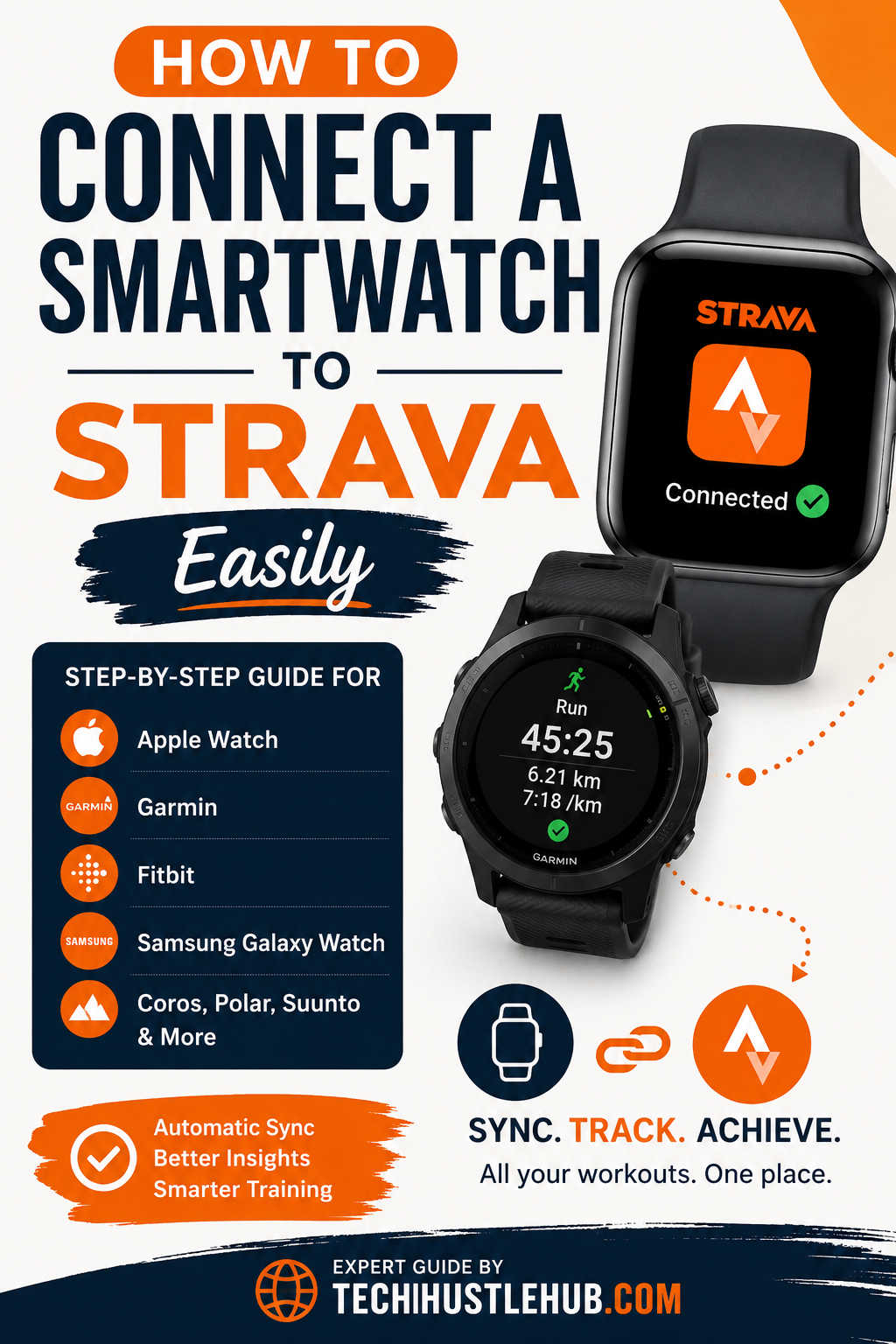
If you regularly run, cycle, walk, hike, or train with a smartwatch, connecting it to Strava can significantly improve the way you track and analyze your workouts. Instead of manually uploading activity data or relying solely on your phone, a connected smartwatch can automatically sync your workouts, heart rate information, GPS routes, pace metrics, and other performance data directly to your Strava account.
For many fitness enthusiasts, Strava has become much more than a workout tracking platform. It serves as a personal training log, social fitness network, goal-setting tool, and performance analysis platform all in one. However, many users are surprised to discover that connecting a smartwatch to Strava is not always as straightforward as signing into the app.
Different smartwatch brands use different syncing methods. Some devices connect directly through the Strava app, while others require a companion application that acts as a bridge between your watch and Strava account. This can create confusion, especially for first-time users.
The good news is that the process is usually quick and only takes a few minutes once you understand how your particular device works. Whether you own an Apple Watch, Garmin watch, Samsung Galaxy Watch, Fitbit, Coros, Polar, or Suunto device, this guide will walk you through the entire setup process and help you troubleshoot common syncing problems.
By the end of this article, you’ll know exactly how to connect your smartwatch to Strava, verify that syncing works properly, and get the most accurate fitness data from your workouts.
Before setting everything up, it helps to understand why millions of athletes choose to connect their wearable devices to Strava.
A smartwatch provides much more detailed activity data than a smartphone alone. Modern watches can track distance, pace, cadence, heart rate, elevation gain, calories burned, recovery metrics, and GPS routes with impressive accuracy. When this information is automatically transferred to Strava, you gain access to powerful performance insights that can help you train smarter.
Another major advantage is convenience. Instead of carrying a phone during every run or ride, many smartwatches can record workouts independently. Once the workout is complete, the data automatically appears in Strava without requiring manual uploads.
For athletes training consistently, automatic syncing also creates a centralized fitness history. Every workout is stored in one place, making it easier to identify trends, track improvements, and stay motivated over time.
What You Need Before Connecting Your Smartwatch
The setup process becomes much smoother when you have everything prepared in advance.
First, make sure you have an active Strava account. If you don’t already have one, creating an account only takes a few minutes through the Strava website or mobile application.
Next, ensure that your smartwatch is paired with its official companion application. Most watches do not send activity data directly to Strava. Instead, they sync with the manufacturer’s app first, which then forwards the information to Strava.
For example, Garmin watches sync through Garmin Connect, Samsung watches use Samsung Health, Fitbit devices rely on the Fitbit app, and Coros watches connect through the Coros app.
You should also verify that Bluetooth is enabled on your smartphone and that both your watch and phone have a stable internet connection.
Taking these simple steps beforehand helps avoid many of the common syncing issues users experience during setup.
Understanding How Smartwatch and Strava Integration Works
One of the biggest misconceptions among beginners is that a smartwatch connects directly to Strava.
In reality, most brands use a three-step synchronization process.
The watch records your workout. The workout is then transferred to the manufacturer’s companion application. Finally, the companion app uploads the activity to Strava.
This workflow might look something like this:
Smartwatch → Companion App → Strava
For example:
Garmin Watch → Garmin Connect → Strava
Samsung Galaxy Watch → Samsung Health → Strava
Fitbit Sense → Fitbit App → Strava
Understanding this process makes troubleshooting much easier because you can identify exactly where a syncing issue may be occurring.
How to Connect Apple Watch to Strava
Apple Watch users generally enjoy one of the simplest setup experiences.
The easiest approach is installing the Strava app directly on both your iPhone and Apple Watch. After signing into your account and granting the necessary permissions, you can record workouts directly from the watch using the Strava application.
You’ll be asked to allow access to health information, motion tracking, GPS data, and heart rate monitoring. These permissions are important because they enable Strava to collect comprehensive workout information.
Another option is syncing workouts through Apple Health. This allows activities recorded with Apple’s native Workout app to automatically appear in Strava. Many users prefer this method because Apple’s Workout app integrates seamlessly with the Apple Watch ecosystem.
Once configured correctly, future workouts should sync automatically whenever the watch connects to your iPhone.
How to Connect Garmin Watches to Strava
Garmin devices are widely considered some of the best sports watches available, and their Strava integration is excellent.
After pairing your watch with Garmin Connect, navigate to the connected apps section within the Garmin Connect app. From there, select Strava and sign in to your account.
Garmin will ask for authorization to share activity information with Strava. After granting permission, future workouts will automatically transfer once they sync with Garmin Connect.
One reason Garmin remains so popular among runners and cyclists is the reliability of its synchronization process. In most cases, workouts appear in Strava within moments of syncing the watch.
Whether you’re using a Forerunner, Fenix, Epix, Venu, or Instinct model, the connection process remains largely the same.
How to Connect Samsung Galaxy Watch to Strava
Samsung Galaxy Watch users can connect through Samsung Health.
After installing both Samsung Health and Strava, open Samsung Health and navigate to the connected services section. From there, select Strava and authorize the connection.
Once linked, eligible activities recorded on your Galaxy Watch can automatically sync to Strava.
Samsung has improved this integration significantly in recent years, making it easier than ever for runners, walkers, cyclists, and gym enthusiasts to keep all their workout data organized in one place.
Connecting Fitbit, Coros, Polar, and Suunto Watches
The process is very similar across these brands.
Each manufacturer offers its own companion platform that acts as the connection bridge to Strava. After pairing your watch and signing into the manufacturer’s application, locate the third-party integrations or partner services section.
From there, select Strava and complete the authorization process.
Once the connection is approved, your workouts should begin syncing automatically after each activity.
While the menu names may vary slightly between platforms, the overall setup process remains remarkably consistent.
How to Verify That Your Smartwatch Is Syncing Correctly
After connecting your watch, it’s important to test the integration before relying on it for important workouts.
Record a short activity, such as a five-minute walk around your neighborhood. Once finished, sync your watch with its companion application and then open Strava.
If the activity appears in your feed with the correct distance, route, and workout metrics, the connection is working properly.
Many users skip this verification step and only discover problems after completing a long run or cycling session. Performing a quick test activity can save considerable frustration later.
Common Reasons Why Strava Is Not Syncing
Even well-established integrations occasionally encounter problems.
One of the most common issues is expired authorization. Sometimes the connection between Strava and the companion app becomes disconnected, requiring you to reconnect your account.
Another frequent problem involves poor internet connectivity. If your smartphone lacks a stable internet connection, workouts may remain stuck in the companion app until connectivity is restored.
Battery-saving settings can also interfere with background synchronization. Some smartphones restrict background app activity, preventing companion applications from uploading workouts automatically.
Software updates may occasionally create temporary compatibility issues as well. Keeping both your smartwatch firmware and mobile applications updated is one of the simplest ways to maintain reliable syncing.
Tips for More Accurate Workout Tracking
Connecting your smartwatch to Strava is only the first step. To get the most useful training data, you should also optimize how you use your watch.
Allow GPS to establish a signal before starting outdoor activities. Beginning a workout too quickly can reduce route accuracy and distort pace calculations.
Wear the watch snugly but comfortably above your wrist bone. Proper placement improves heart rate accuracy, especially during running and interval training.
Regularly sync your device after workouts rather than waiting several days. Frequent synchronization reduces the risk of missing activity uploads.
It’s also a good idea to review privacy settings within Strava to ensure your activities are shared exactly how you want them.
Choosing the Best Smartwatch for Strava Users
If you’re shopping for a new smartwatch specifically for Strava, some models offer a better overall experience than others.
Garmin remains the top choice for many serious runners, cyclists, and triathletes because of its advanced training metrics, exceptional GPS accuracy, and dependable synchronization.
The Apple Watch Ultra is an excellent option for iPhone users who want a balance between smartwatch functionality and fitness tracking performance.
Coros watches have gained significant popularity among endurance athletes due to their impressive battery life and athlete-focused training tools.
Polar devices continue to appeal to users who prioritize recovery insights and heart rate accuracy, while Suunto watches are highly regarded among hikers, trail runners, and outdoor adventurers.
Rather than choosing a watch solely based on brand recognition, consider your training goals, preferred activities, budget, battery life requirements, and ecosystem preferences.
The best smartwatch for Strava is ultimately the one that fits seamlessly into your daily routine while providing the data that matters most to your fitness journey.
Frequently Asked Questions
Can I use Strava without a smartwatch?
Yes. Strava can record activities directly from your smartphone. However, a smartwatch typically provides more detailed data and greater convenience.
Does Strava work with all smartwatches?
No. Most major fitness-focused smartwatches support Strava integration, but compatibility varies between manufacturers and device models.
Why are my workouts not appearing in Strava?
Common causes include expired permissions, internet connectivity problems, delayed synchronization, or issues within the companion application.
Can I connect multiple devices to Strava?
Yes. Many athletes connect multiple devices and fitness platforms to a single Strava account.
Is Strava free to use?
Strava offers a free version with core tracking features as well as a premium subscription that unlocks advanced training and analysis tools.
Final Thoughts
Learning how to connect a smartwatch to Strava is one of the simplest ways to improve your fitness tracking experience. Once the connection is established, your workouts can flow automatically from your wrist to your Strava account, eliminating manual uploads and ensuring that every run, ride, walk, or workout is recorded accurately.
The exact setup process varies depending on the smartwatch brand, but the underlying principle remains the same. Pair your device with its companion app, authorize Strava access, and verify that synchronization is working correctly.
After everything is configured, you’ll have access to richer performance data, more accurate workout records, and a complete training history that helps you stay motivated and achieve your fitness goals. Whether you’re a casual walker or a dedicated endurance athlete, connecting your smartwatch to Strava is a small step that can make a significant difference in how you track and understand your progress.