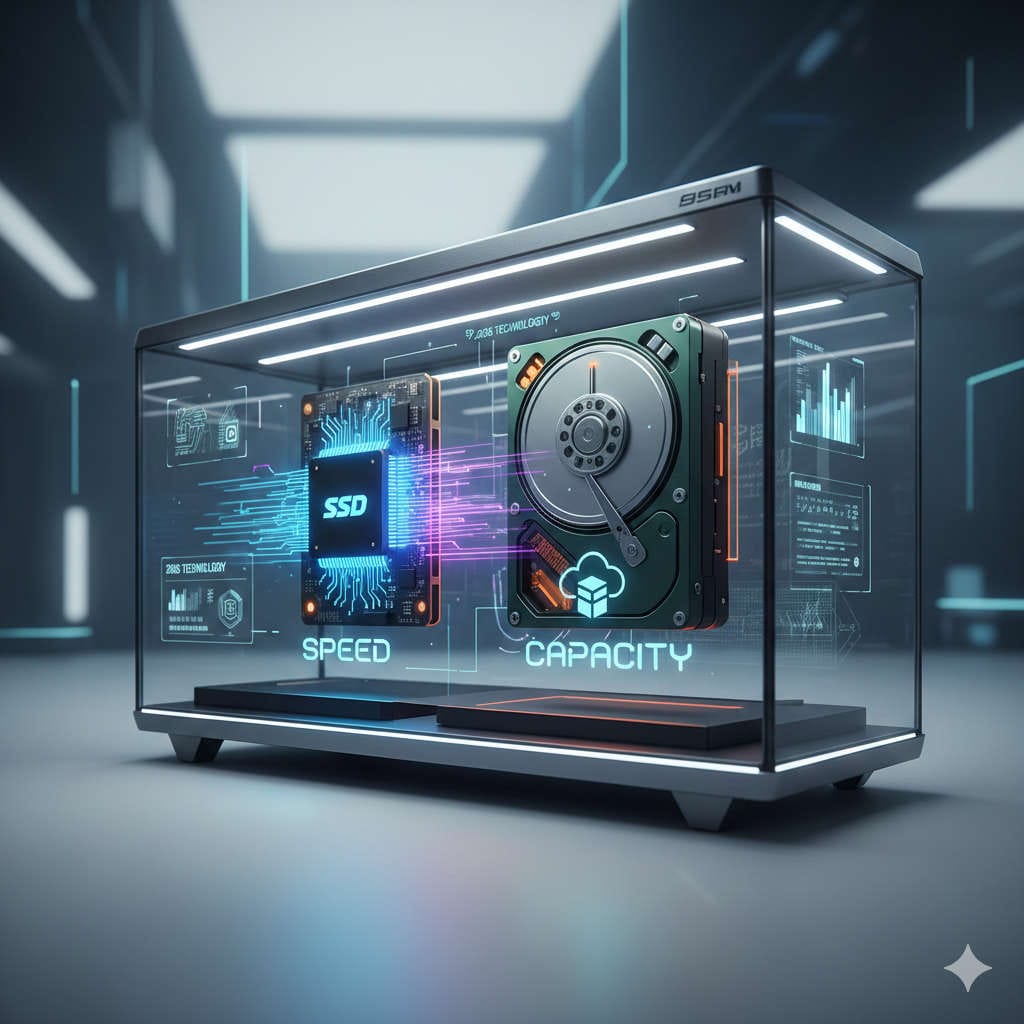
Choosing the right storage upgrade in 2026 can feel overwhelming. Storage technology has evolved rapidly over the past decade, and what once seemed like a luxury upgrade has now become a near-necessity for smooth everyday computing. If you are still using a traditional hard disk drive (HDD) or debating whether a solid-state drive (SSD) is truly worth the investment, you are not alone.
This guide takes a deep, practical look at SSDs versus HDDs in 2026. Instead of focusing on raw technical jargon, it explains what actually matters to real users—speed, reliability, cost, everyday performance, and long-term value. By the end, you will have a clear answer to whether upgrading is worth it for your specific needs.
Before deciding whether to upgrade, it helps to understand how SSDs and HDDs differ at a fundamental level.
What Is a Hard Disk Drive (HDD)?
A hard disk drive stores data on spinning magnetic disks called platters. A mechanical arm moves back and forth across these platters to read and write data. This design has existed for decades and remains largely unchanged.
HDDs are popular because they can store massive amounts of data at a relatively low cost. However, their mechanical nature introduces limitations in speed, durability, and efficiency.
Key characteristics of HDDs include:
Spinning platters and moving parts
Slower data access speeds
Audible noise during operation
Greater vulnerability to physical shock
Excellent value for bulk storage
What Is a Solid State Drive (SSD)?
A solid-state drive stores data electronically using flash memory chips. There are no moving parts involved. Data can be accessed almost instantly, which dramatically improves system responsiveness.
Modern SSDs come in several forms, including SATA SSDs and NVMe SSDs, with NVMe drives offering significantly higher performance.
Key characteristics of SSDs include:
No moving components
Extremely fast read and write speeds
Silent operation
Lower power consumption
Higher cost per gigabyte than HDDs
How Storage Performance Affects Everyday Computing
One of the biggest misconceptions is that storage only affects file saving and loading. In reality, storage speed influences almost every aspect of your computer’s behavior.
System Boot Times
In 2026, waiting a full minute for your computer to start feels outdated. An SSD can reduce boot times to mere seconds. Systems with HDDs often struggle with long startup sequences, especially as operating systems become more complex.
An SSD does not just start your system faster—it makes the entire startup process smoother, with fewer freezes and background slowdowns.
Application Launch Speed
Programs installed on an SSD open noticeably faster. This includes:
Web browsers
Office software
Creative tools
Development environments
On an HDD, launching large applications can feel sluggish, especially when multiple programs are open at once.
Multitasking and Responsiveness
Modern operating systems rely heavily on background processes, caching, and virtual memory. SSDs handle these tasks efficiently, while HDDs often become bottlenecks, causing lag and stuttering.
If your system slows down when switching between applications, storage speed is often the hidden culprit.
Real-World Speed Differences Between SSD and HDD
Speed is the most obvious advantage of SSDs, but what does that actually mean in daily use?
File Transfers
Copying large files on an HDD can feel painfully slow, especially for videos, backups, or game installations. SSDs dramatically reduce transfer times, making tasks that once took minutes complete in seconds.
Software Updates and Installations
Operating system updates and software installations involve writing thousands of small files. SSDs excel at this type of workload, while HDDs struggle due to constant mechanical movement.
Gaming Performance
In 2026, many modern games are designed with SSDs in mind. Faster storage reduces:
Game load times
Texture pop-in
Stuttering during open-world exploration
While an SSD does not increase frame rates directly, it greatly improves overall gaming smoothness and immersion.
Storage Capacity and Cost in 2026
Cost remains one of the main reasons people hesitate to upgrade. However, the price gap between SSDs and HDDs has narrowed significantly.
Price Trends
SSDs are far more affordable in 2026 than they were just a few years ago. Mid-range users can easily afford 1TB SSDs, and even 2TB models are becoming mainstream.
HDDs still offer the lowest cost per gigabyte, especially for very large capacities. This makes them attractive for users who need massive storage without high performance demands.
Choosing the Right Capacity
The ideal storage size depends on how you use your system:
Light users may be comfortable with 500GB
Gamers and professionals often prefer 1TB or more
Media collectors and backup users may require several terabytes
Many users now choose a hybrid setup, combining an SSD for speed with an HDD for storage.
Durability, Reliability, and Longevity
Storage devices are long-term investments, so durability matters.
Mechanical Failure Risks in HDDs
Because HDDs rely on moving parts, they are more prone to failure over time. Physical shocks, vibrations, or even normal wear can cause mechanical breakdowns.
This risk is especially important for laptops, which are frequently moved and handled.
SSD Reliability in Modern Systems
SSDs have no moving parts, making them far more resistant to physical damage. While flash memory does have write limits, modern SSDs are designed to last many years under normal usage.
In practical terms, most users will replace their system long before an SSD reaches its lifespan limit.
Power Efficiency and Heat Management
Energy efficiency is becoming increasingly important, especially for laptops and compact systems.
Power Consumption Differences
SSDs consume significantly less power than HDDs. This translates into:
Longer battery life on laptops
Reduced electricity usage on desktops
Improved efficiency in small form-factor systems
Heat and Noise Levels
HDDs generate heat and noise due to spinning components. SSDs operate silently and stay cool, which improves system stability and comfort, especially in quiet work environments.
Use-Case Scenarios: Who Should Upgrade?
Not every user has the same needs. Understanding your usage pattern helps determine whether upgrading is worth it.
Everyday Home Users
For browsing, streaming, and basic productivity, an SSD makes a computer feel faster and more responsive. Even older systems benefit dramatically from an SSD upgrade.
Students and Remote Workers
Fast boot times and smooth multitasking are invaluable for studying and working remotely. An SSD reduces downtime and frustration, especially when switching between applications.
Gamers
Gaming in 2026 increasingly assumes SSD storage. Large game files, frequent updates, and open-world environments all benefit from faster storage.
Creative Professionals
Video editors, photographers, designers, and developers gain significant productivity improvements from SSDs. Faster file access means less waiting and more time creating.
Data Hoarders and Archivists
If your primary concern is storing large volumes of data at minimal cost, HDDs still make sense. However, pairing them with an SSD for daily tasks offers the best experience.
Hybrid Storage: The Best of Both Worlds
Many users no longer choose between SSD and HDD—they use both.
How a Hybrid Setup Works
SSD: Operating system, applications, and frequently used files
HDD: Media libraries, backups, and archived data
This approach delivers fast performance without sacrificing storage capacity.
Why Hybrid Systems Are Popular in 2026
Hybrid storage balances cost, speed, and flexibility. It is ideal for desktops and larger laptops that support multiple drives.
Upgrading from HDD to SSD: What to Expect
Upgrading is often easier than people expect, and the results are immediate.
Performance Transformation
Users frequently describe SSD upgrades as making their computer feel “new again.” Tasks that once felt slow become effortless.
Compatibility Considerations
Most modern systems support SSD upgrades, but it’s important to check:
Available drive slots
Supported form factors
Interface compatibility
Even older systems often benefit from SATA SSDs.
Data Migration and Setup Tips
Switching storage does not mean losing your data.
Preparing for the Upgrade
Before upgrading:
Back up all important files
Check your system’s compatibility
Decide whether to clone or reinstall
Cloning vs Fresh Installation
Cloning copies your existing system exactly as it is. A fresh installation offers a cleaner, often faster result but requires reinstalling applications.
Both approaches work well, depending on your comfort level.
Common Myths About SSDs and HDDs
“SSDs Are Too Expensive”
While SSDs cost more per gigabyte, the price difference has become reasonable, especially considering the performance benefits.
“SSDs Fail Without Warning”
Modern SSDs include monitoring tools and error correction, making them reliable and predictable.
“HDDs Are Obsolete”
HDDs still serve an important role for affordable large-scale storage.
Environmental and Long-Term Value Considerations
Energy Efficiency Benefits
Lower power consumption means SSDs are more environmentally friendly over time.
Long-Term Cost Savings
Faster systems reduce productivity loss and frustration, providing value beyond the initial purchase price.
Is Upgrading Worth It in 2026?
For most users, the answer is yes.
Upgrading to an SSD in 2026 is one of the most impactful improvements you can make to a computer. It enhances speed, reliability, and overall usability more than almost any other component upgrade.
However, HDDs still have a place. They remain unmatched for affordable bulk storage and long-term archives.
Final Verdict: The Smart Storage Choice in 2026
In 2026, SSDs are no longer optional for a modern computing experience—they are essential. Whether you are upgrading an older system or building a new one, an SSD delivers immediate and noticeable benefits.
The smartest approach for many users is a combination of both technologies:
Use an SSD for speed and responsiveness
Use an HDD for large, cost-effective storage
This balanced setup ensures you get the best performance today while maintaining flexibility for the future.
If you want your computer to feel faster, smoother, and more reliable in 2026, upgrading to an SSD is absolutely worth it.