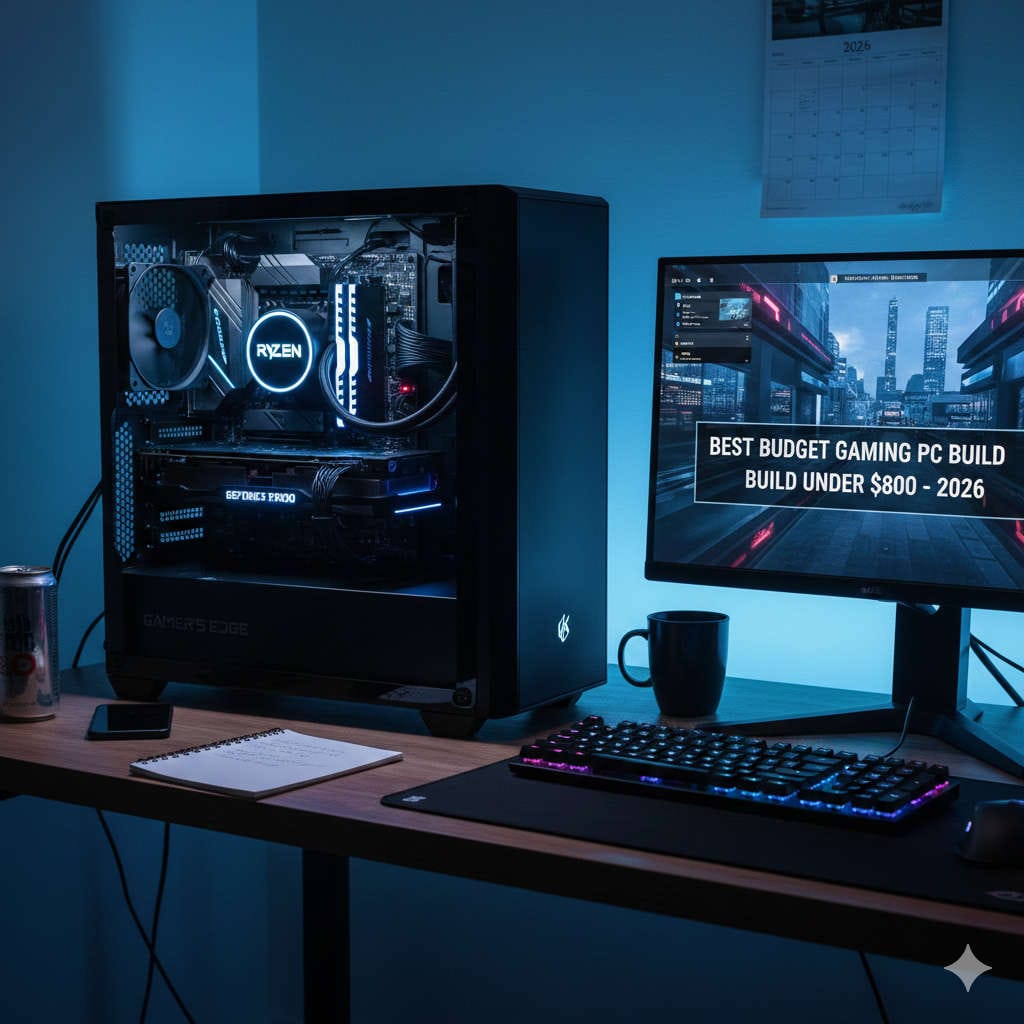
Choosing between building your own PC and buying a prebuilt system is one of the most important tech decisions you can make in 2026. Hardware is more powerful than ever, but it’s also more complex. CPUs now include AI acceleration, GPUs are in high demand for both gaming and productivity, and prices fluctuate faster than most buyers expect.
So the real question isn’t which option is better overall — it’s which option is better for you.
This guide breaks down everything you need to know in plain language. We’ll look at cost, performance, reliability, future upgrades, real-world use cases, and long-term value so you can confidently decide whether building or buying makes more sense in 2026.
Why This Decision Matters More in 2026
In earlier years, building your own PC almost always meant better value. Prebuilts often used cheap power supplies, slow memory, or poor cooling. That gap has narrowed significantly.
In 2026:
- Prebuilt systems are better engineered and more competitive
- DIY components are more powerful but also more specialized
- AI workloads, ray tracing, and high-refresh gaming raise hardware expectations
- Mistakes are more expensive due to higher component prices
Your decision now affects not just performance, but stability, longevity, upgrade options, and support experience.
Building Your Own PC in 2026: The Real Advantages
Total Customization From the Ground Up
Building your own PC gives you complete control over every component. You decide exactly where your money goes — whether that’s GPU performance, silent cooling, storage speed, or visual aesthetics.
You can:
- Choose a motherboard with the exact ports and features you need
- Prioritize airflow, noise levels, or compact size
- Select premium power supplies and cooling instead of generic ones
- Avoid unnecessary extras you’ll never use
This level of precision is especially valuable for gamers, creators, and enthusiasts who know what they want.
Better Performance for the Price (When Done Right)
When parts are priced reasonably, a DIY PC often delivers more performance per dollar. You aren’t paying for assembly labor, branding, or bundled software you don’t need.
In 2026, this advantage is strongest in:
- Mid-range gaming PCs
- Creator builds focused on CPU and storage
- High-end systems where component quality matters most
That said, this only applies if you research properly. Poor part selection can erase any savings quickly.
Superior Upgrade Flexibility
A self-built PC is designed to evolve.
You can upgrade:
- The GPU without replacing the case or power supply
- Storage without proprietary restrictions
- Cooling systems as performance demands increase
- Memory capacity with standard modules
Most DIY builds follow industry standards, making upgrades simpler and cheaper over time.
Long-Term Knowledge and Confidence
Building your own PC teaches you how hardware works together. That knowledge pays off later when:
- Troubleshooting problems
- Replacing parts instead of whole systems
- Optimizing performance
- Avoiding unnecessary repair costs
Many builders find that once they build one PC, they never want to go back.
The Downsides of Building Your Own PC
Time, Effort, and Research Required
Building a PC isn’t difficult, but it isn’t instant either. You’ll need to:
- Research compatible components
- Compare prices and availability
- Assemble and cable-manage the system
- Configure BIOS and install the operating system
For some users, this is enjoyable. For others, it’s stressful and time-consuming.
No Single Warranty
When something goes wrong with a DIY PC, you must figure out which part is failing. Each component has its own warranty and return process.
This can mean:
- Longer downtime
- More troubleshooting
- Multiple support contacts instead of one
If you rely on your PC daily for work, this risk matters.
Mistakes Can Be Expensive
Modern components are powerful but delicate. Incorrect installation, poor cooling, or incompatible parts can lead to instability or damage.
While mistakes are avoidable, beginners must be careful — especially with high-end hardware.
Buying a Prebuilt PC in 2026: Why It Makes Sense for Many People
Ready to Use, Right Out of the Box
Prebuilt PCs are designed for immediate use. You plug them in, power on, and start working or gaming.
This convenience is ideal if:
- You don’t enjoy technical setup
- You need a system quickly
- You want minimal friction
For many users, time saved is worth more than money saved.
One Warranty, One Support Team
One of the biggest advantages of prebuilts is unified support.
If something goes wrong:
- You contact one company
- They diagnose the issue
- Repairs or replacements are handled for you
This peace of mind is especially valuable for professionals, students, and families.
Improved Build Quality Compared to the Past
In 2026, reputable prebuilt manufacturers:
- Use better cooling solutions
- Offer balanced component selections
- Provide clearer specifications
- Avoid many of the shortcuts seen years ago
While not all prebuilts are equal, good ones are far better than they used to be.
Financing and Bundled Value
Many prebuilt systems offer:
- Monthly payment plans
- Extended warranties
- Bundled peripherals
- Pre-installed software
For buyers who prefer predictable costs and fewer purchases, this can be appealing.
Where Prebuilt PCs Still Fall Short
Less Upgrade Freedom
Some prebuilts use:
- Proprietary cases
- Custom power connectors
- Limited motherboard options
This can make future upgrades harder or more expensive.
Paying for Things You Don’t Need
Prebuilt systems often include:
- Extra software
- Decorative features
- Higher markup on certain components
You may end up paying for elements that don’t improve performance.
Thermal and Noise Limitations
While improving, some prebuilts still prioritize appearance over airflow. This can result in:
- Higher temperatures
- Louder fans
- Reduced sustained performance
Not all prebuilts have this issue, but it’s something to watch for.
Cost Comparison: Build vs Buy in 2026
Typical Price Ranges
- Entry-level systems: Prebuilts are often competitive
- Mid-range gaming PCs: DIY usually offers better value
- High-end workstations: DIY provides superior component control
DIY builds often save around 10–20%, but that gap shrinks when factoring in warranties and support.
The Hidden Cost Factor
DIY costs include:
- Your time
- Tools or accessories
- Potential mistakes
- Learning curve
Prebuilt costs include:
- Assembly labor
- Brand markup
- Bundled software
Neither option is “cheap” — they just spend money differently.
Performance in Real-World Use
Gaming
- DIY builds excel at performance tuning and cooling
- Prebuilts can perform equally well if configured properly
- GPU selection matters more than brand
Content Creation and AI Workloads
- DIY allows optimized CPU, RAM, and storage layouts
- Prebuilts offer stability and support for professionals
- Reliability often matters more than peak performance
Office and Everyday Tasks
- Prebuilts are usually the better choice
- DIY is unnecessary unless specific hardware is required
Which Option Is Right for You?
Build Your Own PC If:
- You enjoy customization
- You want maximum performance per dollar
- You plan to upgrade over time
- You’re comfortable troubleshooting
- You value learning and control
Buy a Prebuilt PC If:
- You want convenience and reliability
- You need strong warranty support
- You don’t want to research parts
- You prefer predictable costs
- Your PC is mission-critical
Looking Beyond 2026
As hardware becomes more AI-focused and modular designs improve, the gap between building and buying will continue to shrink. Prebuilts will become more flexible, and DIY builds will become easier.
But one thing won’t change: the best choice depends on your priorities, not trends.
Final Verdict
There is no universal winner in the build vs buy debate for 2026.
Building your own PC gives you freedom, performance, and long-term flexibility. Buying a prebuilt gives you simplicity, support, and peace of mind.
If you value control and customization, build your own.
If you value convenience and reliability, buy prebuilt.
The right decision is the one that fits your budget, comfort level, and how you actually use your computer.